LeakifyHub
Nudify AI Fast generation, cleaner results
Nudify AI on LeakifyHub turns one uploaded photo into a nude version through a style you choose. The workflow is built for iteration: run a style, look at the variant, switch to another style, and keep the result that looks most natural. It runs in the browser with nothing to install.
Upload a clear photo, select a nudify style, and generate. Results usually take seconds to about a minute. Try a second style on the same photo to compare before you download.
100k
Daily users
20+
Modes
100%
Private

Overview
A nudify AI is an image-to-image model that takes a clothed photo and renders a nude version of the same subject, keeping the face, pose, and background intact. It is for adults who want to experiment with their own photos or with consenting adult subjects, and who care about how the result looks rather than just getting any output. The interesting part is choosing styles well and iterating.
On LeakifyHub, nudify is one family of styles inside image-to-image mode. There are more than 20 styles overall and new ones arrive weekly, so the same upload can be run through several looks. Signup gives you free credits and access to basic styles. Buying credits opens every style, HD downloads, and a priority queue, which matters when you are generating many variants in one session.
Uploads are encrypted with AES-256 and processed in isolated containers. Only your last 30 generations from the past three days are stored, then deleted automatically, and nothing is used for training. You may only upload photos you own or have permission to use, and every subject must be a consenting adult. No real people without consent, no minors, no public figures. Takedown requests are handled within 24 hours.
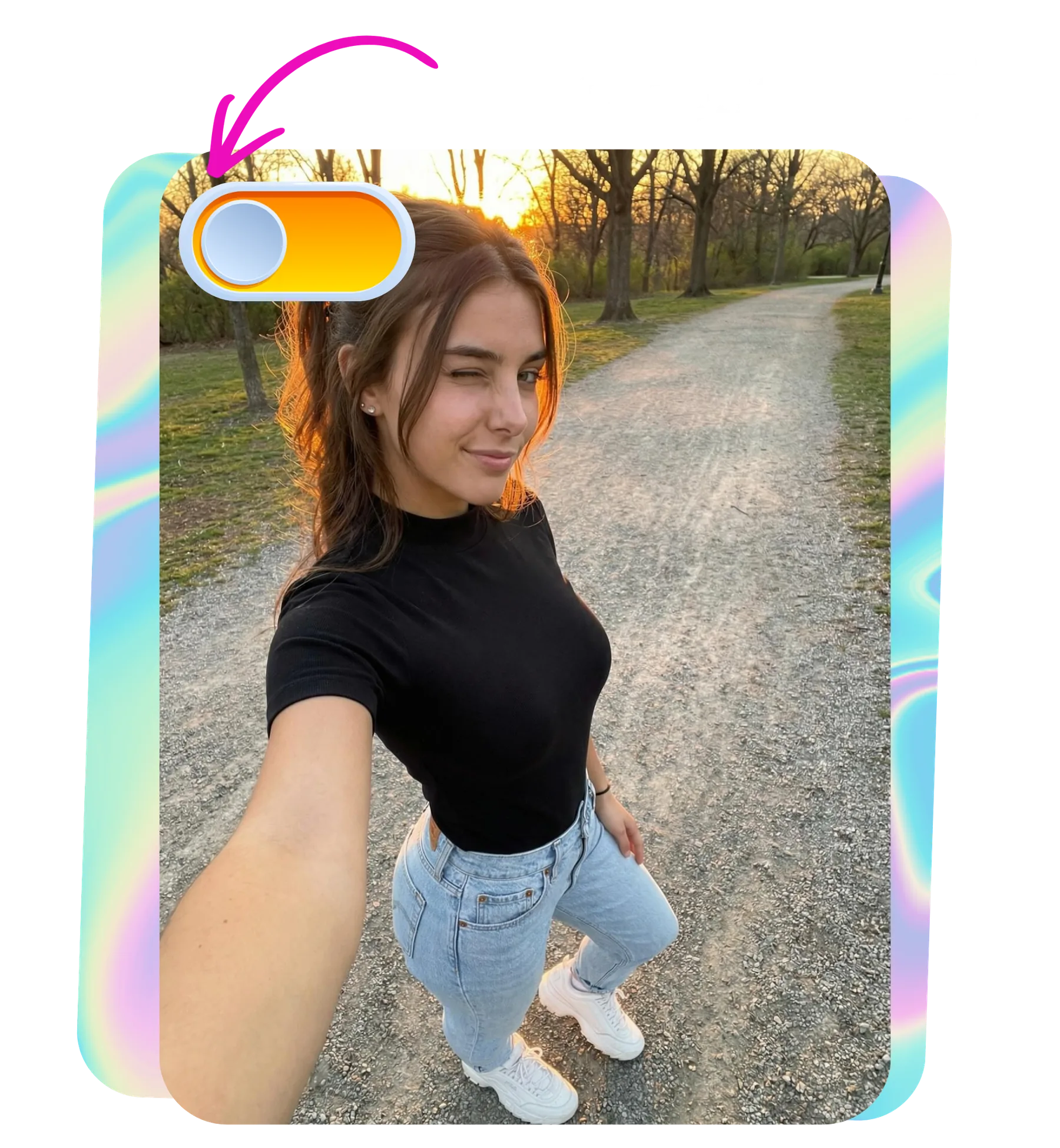
How it works
What is a Nudify AI
Upload a clear photo, select a nudify style, and generate. Results usually take seconds to about a minute. Try a second style on the same photo to compare before you download.
Step by step
How to use Nudify AI
- 1
Upload a strong source photo
Choose an image of 1024px or higher with a clear, well-lit face and nothing covering it. Avoid heavy shadows and heavily compressed JPEGs. The model keeps what it can see, so the sharper the input, the more convincing the nudify result.
- 2
Pick a nudify style
Browse the style list and select one that matches the pose and lighting of your photo. Basic styles are free to try. Premium styles are unlocked with credits and tend to give more control over the final look of the result.
- 3
Generate and compare variants
Run the style and wait, usually seconds to about a minute. Then run a second style on the same photo. Comparing two or three variants side by side is the fastest way to find the one that reads as natural.
- 4
Download or report
Save your favourite in HD if you have credits. If a result comes back malformed, with broken anatomy or smeared detail, report it from the result view and the credits for that generation are refunded to your balance.
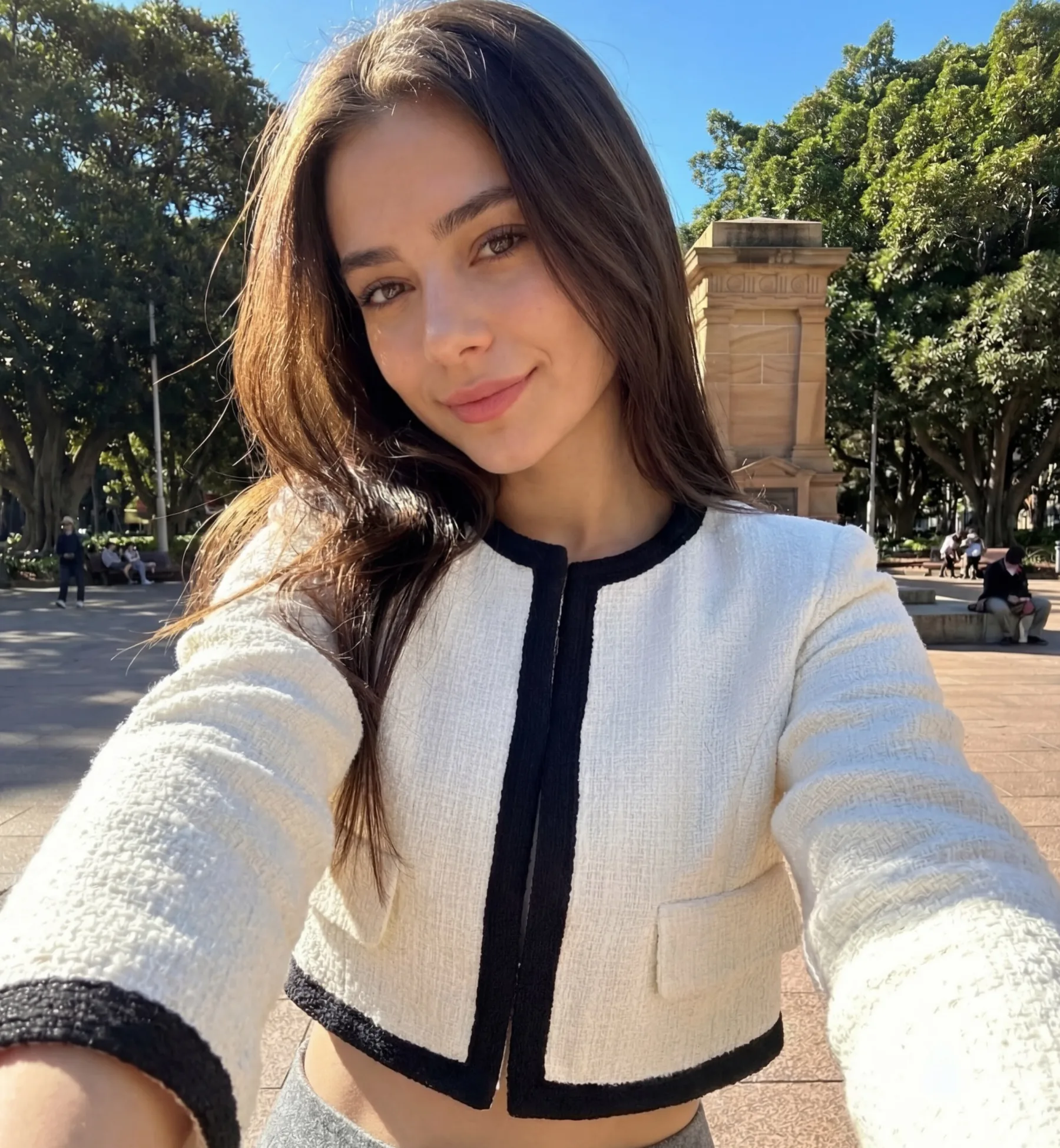
How it
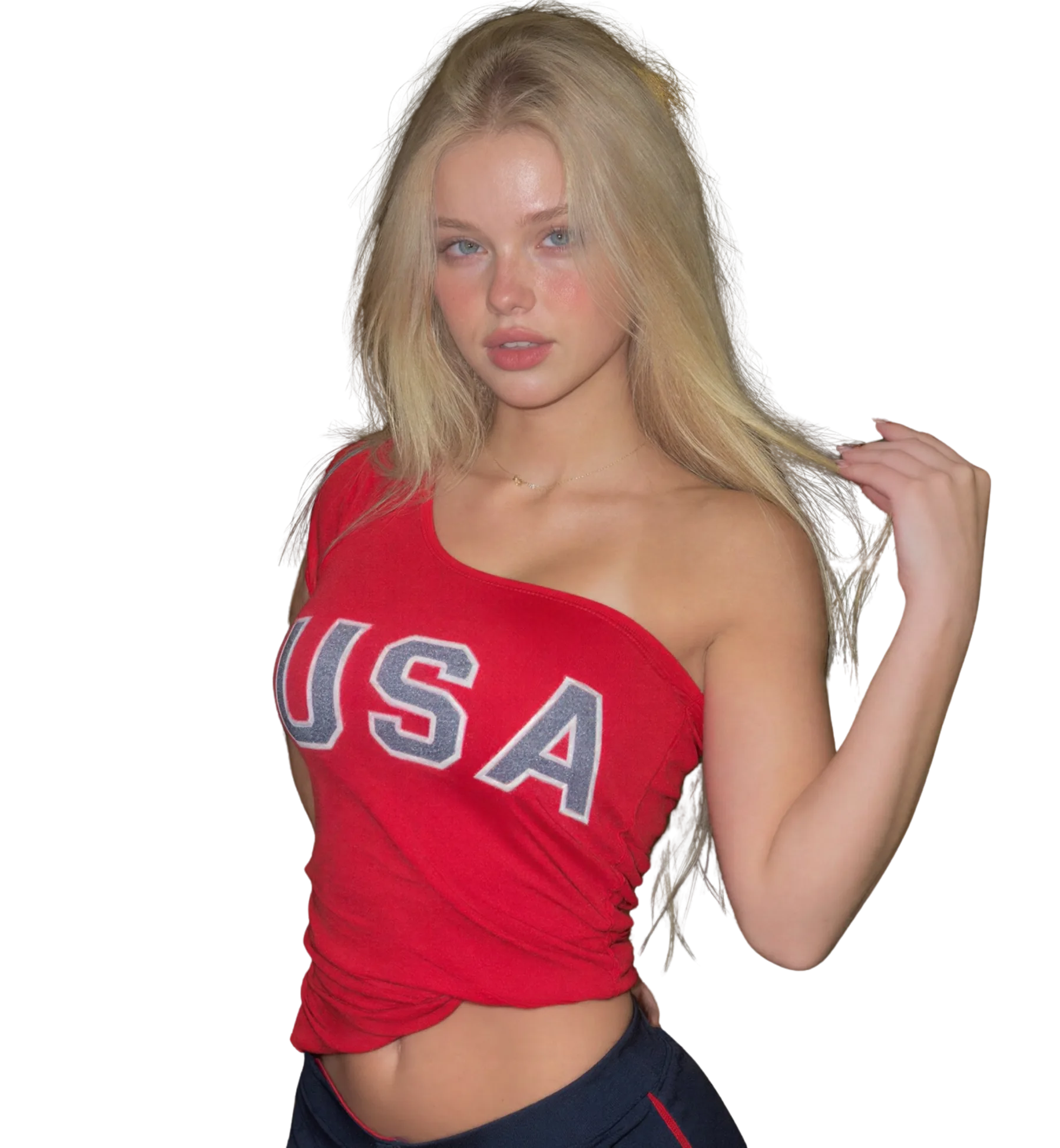
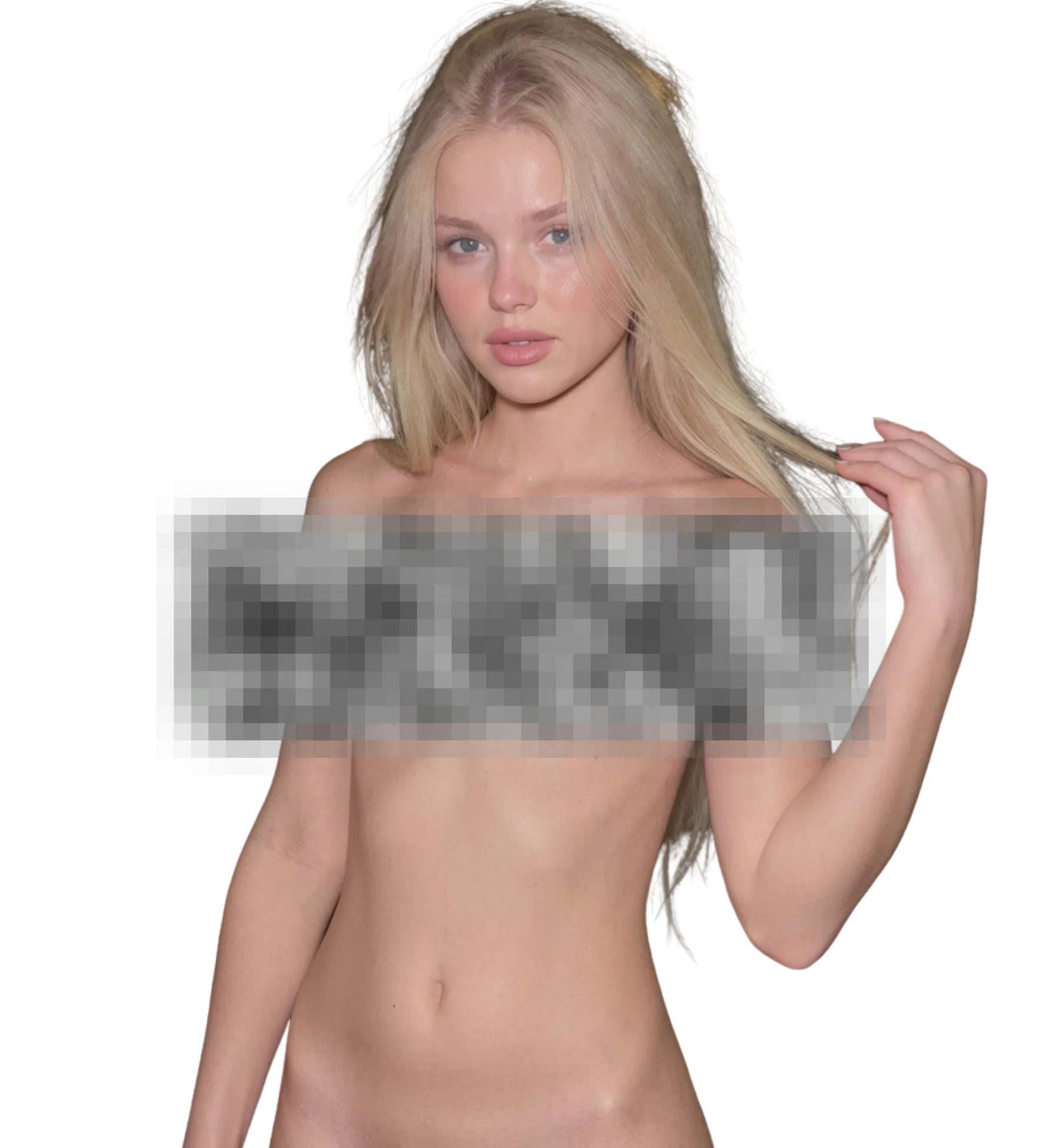
looks like?
When you upload an image, Nudify AI will process it and deliver the highest quality result
Best for
Style comparison on one photo
Production-ready quality with stable outputs and cleaner details.
Personal art projects
Private workflow design with secure generation and export handling.
Consensual partner projects
Fast iterations so you can compare variants and pick better results quickly.
What you get
What makes Nudify AI different
Style-driven variants
Each nudify style is a different interpretation of the same input. Some favour soft studio lighting, some keep the original scene as it is. Running several on one photo gives you a set to choose from rather than a single shot.
Pose and background retained
The model works from your photo rather than inventing a new scene. Face, hair, pose, and background carry over into the result, which is what makes it read as the same person in the same place.
Fast iteration loop
Generation usually takes seconds to about a minute, so trying a new style costs little time. Paid users go to the front of the queue when the service is busy, which keeps a comparison session moving.
Realism you can judge
Results are shown at full size so you can inspect skin tone continuity, edges around hair, and shadow direction. If something looks wrong, adjust the input or the style rather than settling for a weak output.
Better results
Tips before you upload
- Front-facing or slight three-quarter poses nudify more reliably than extreme angles, because the model has more of the body to work from.
- If the first variant looks off, change the style before changing the photo. Different styles handle the same lighting differently.
- Keep hands, bags, and hair away from the torso in the source photo. Objects crossing the body are a common cause of artifacts.
- Compare variants at full size. Zoom in on shoulders and waist, where skin continuity breaks first if the style is a poor match.
- Save credits by testing a basic style first, then spend on a premium style once you know the photo generates cleanly.
Common questions
FAQ
1What does nudify AI actually change in a photo?
It replaces the clothed areas with generated skin and body detail while keeping the face, pose, hair, and background from your original. The goal is a result that looks like the same photo taken without clothing. Lighting and shadows are estimated from the rest of the image, which is why well-lit inputs work best.
2Which nudify style should I start with?
Start with a basic style that matches your photo's lighting: a studio-style option for evenly lit shots, a natural-light option for outdoor or window-lit photos. Basic styles are free to test. Once you know the photo generates cleanly, try a premium style for more refinement.
3How many variants can I generate from one photo?
As many as your credits allow. Each run uses credits and returns one result. Most people generate two or three styles per photo, compare them, and keep one. Free signup credits are enough to test the workflow; buying credits or earning them through referrals and sharing covers heavier use.
4Why does the result look unrealistic sometimes?
The most common causes are a low-resolution or heavily compressed source, a face partly covered, harsh shadows, or objects crossing the body. Extreme poses also strain the model. Fix the input first, then try a different style. Genuinely malformed results can be reported for a credit refund.
5Can I nudify a photo on my phone?
Yes. LeakifyHub runs in the browser, so it works on iPhone and Android without installing anything. Upload from your camera roll, pick a style, and generate. There is also a Telegram bot version if you prefer sending photos to a bot over using the website.
6Are my nudify uploads stored anywhere?
Uploads are encrypted with AES-256 and processed in isolated containers. Only your last 30 generations from the past three days are kept so you can revisit them, then they are deleted automatically. Nothing is used to train models, and no identity tracking is attached to your images.
7What photos am I not allowed to nudify?
Anything you do not own or have permission to use, anyone who has not consented, anyone under 18, and public figures. The service is for your own photos and for consenting adults. Violations lead to account action, and takedown requests are processed within 24 hours.
Ready to create with Nudify AI?
Start now and generate high-quality outputs in minutes. Test multiple variants, refine quickly, and export your best result.