LeakifyHub
AI Nude Video Generator Turn still images into motion
The AI Nude Video Generator on LeakifyHub takes a single photo and turns it into a short, realistic animated clip. You choose a motion style and a length of 5, 10 or 15 seconds, and the photo you upload becomes the first frame of the video.
Upload a clear photo, pick a motion style, set the duration, and generate. Most clips are ready in seconds to about a minute, and you can download in HD or run the optional upscale.
100k
Daily users
20+
Modes
100%
Private


Overview
An AI nude video generator makes moving footage from a still image instead of a text prompt. It is built for people who already have a photo they own and want to see it animated, rather than writing scene descriptions from scratch. The result is a short clip, not a full film, and the quality depends heavily on the photo you start with.
On LeakifyHub, image-to-video is one of the core modes next to image-to-image. You upload a photo, choose a motion style that sets how the subject moves, and select 5, 10 or 15 seconds. Output is HD, with an optional upscale pass. Free credits on signup cover basic styles; purchased credits unlock every style, priority queue and HD downloads.
Every upload is encrypted with AES-256 and processed in an isolated container. Only your last 30 generations from the past three days are kept before automatic deletion, and nothing is used to train models or tied to your identity. You may only upload photos you own or have permission to use, subjects must be consenting adults, and real people without consent are not allowed.
How it works
What is a AI Nude Video Generator
Upload a clear photo, pick a motion style, set the duration, and generate. Most clips are ready in seconds to about a minute, and you can download in HD or run the optional upscale.
Step by step
How to use AI Nude Video Generator
- 1
Pick a strong first frame
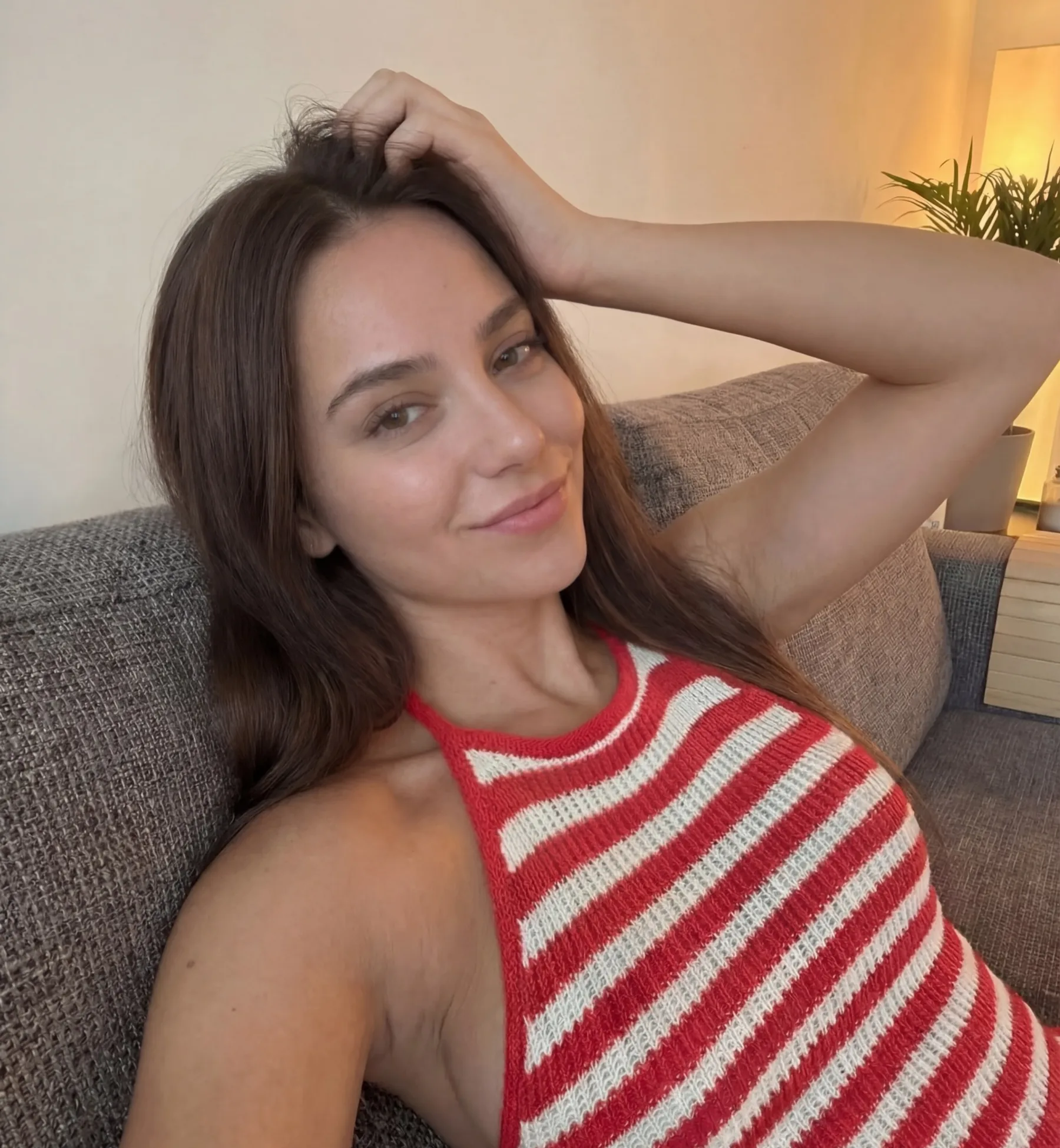
The photo you upload is literally the first frame of the clip, so choose one at 1024px or higher with a well-lit face, no heavy shadows and nothing covering the subject. Framing and pose carry straight through the video.
- 2
Choose a motion style
Motion styles control how the subject moves across the clip. Some are subtle, some are more active. If you are unsure, start with a calmer style and compare against a second one before committing more credits.
- 3
Set the clip length
Select 5, 10 or 15 seconds. Five-second clips render fastest and cost the least to redo, which makes them the right choice for testing. Move to longer durations once the motion looks right.
- 4
Generate and upscale
Hit generate and wait, usually seconds to about a minute, longer under load. Play the clip back, retry with a different style if needed, then download in HD or run the upscale for a sharper file.
How it
looks like?
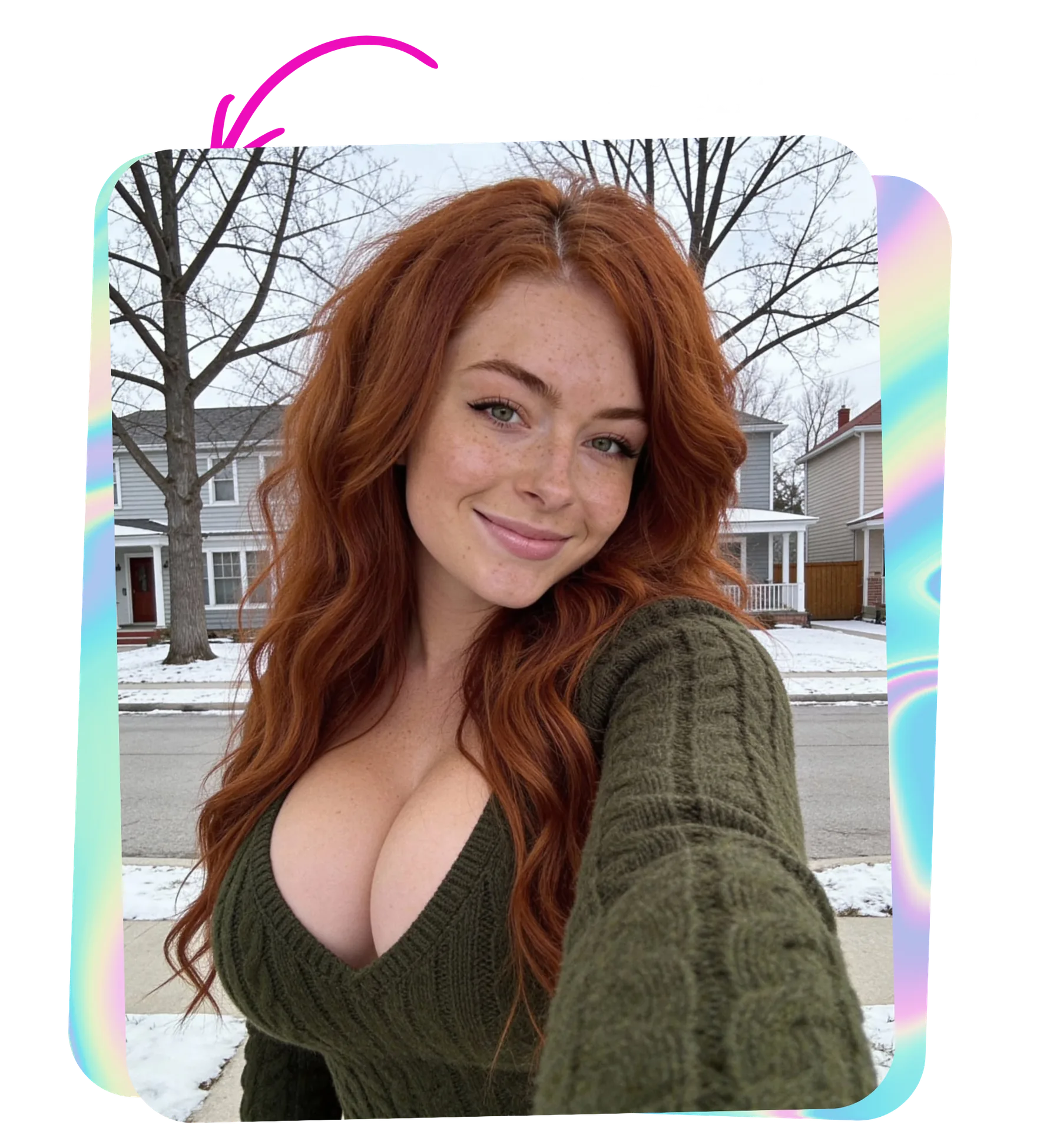
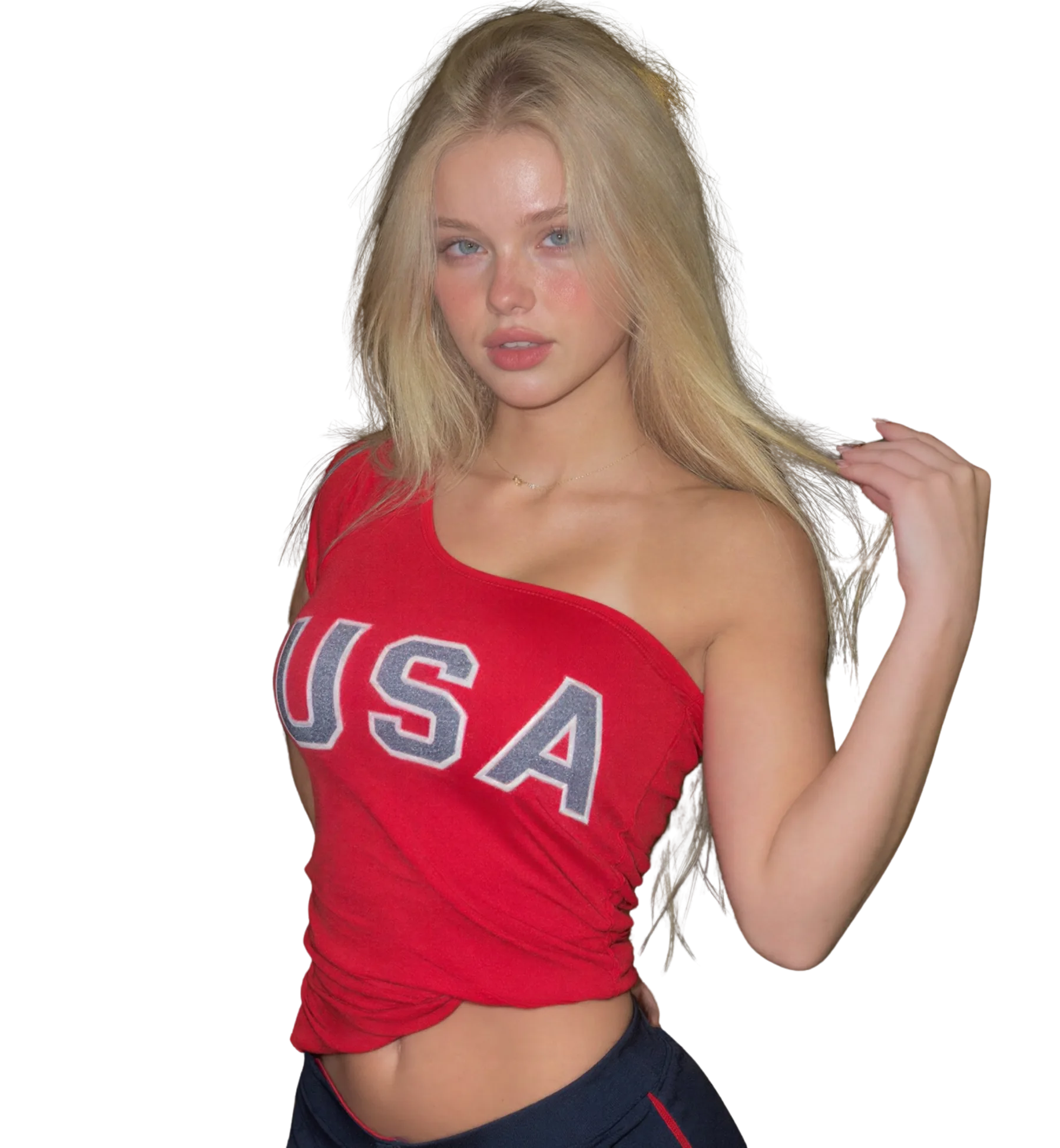
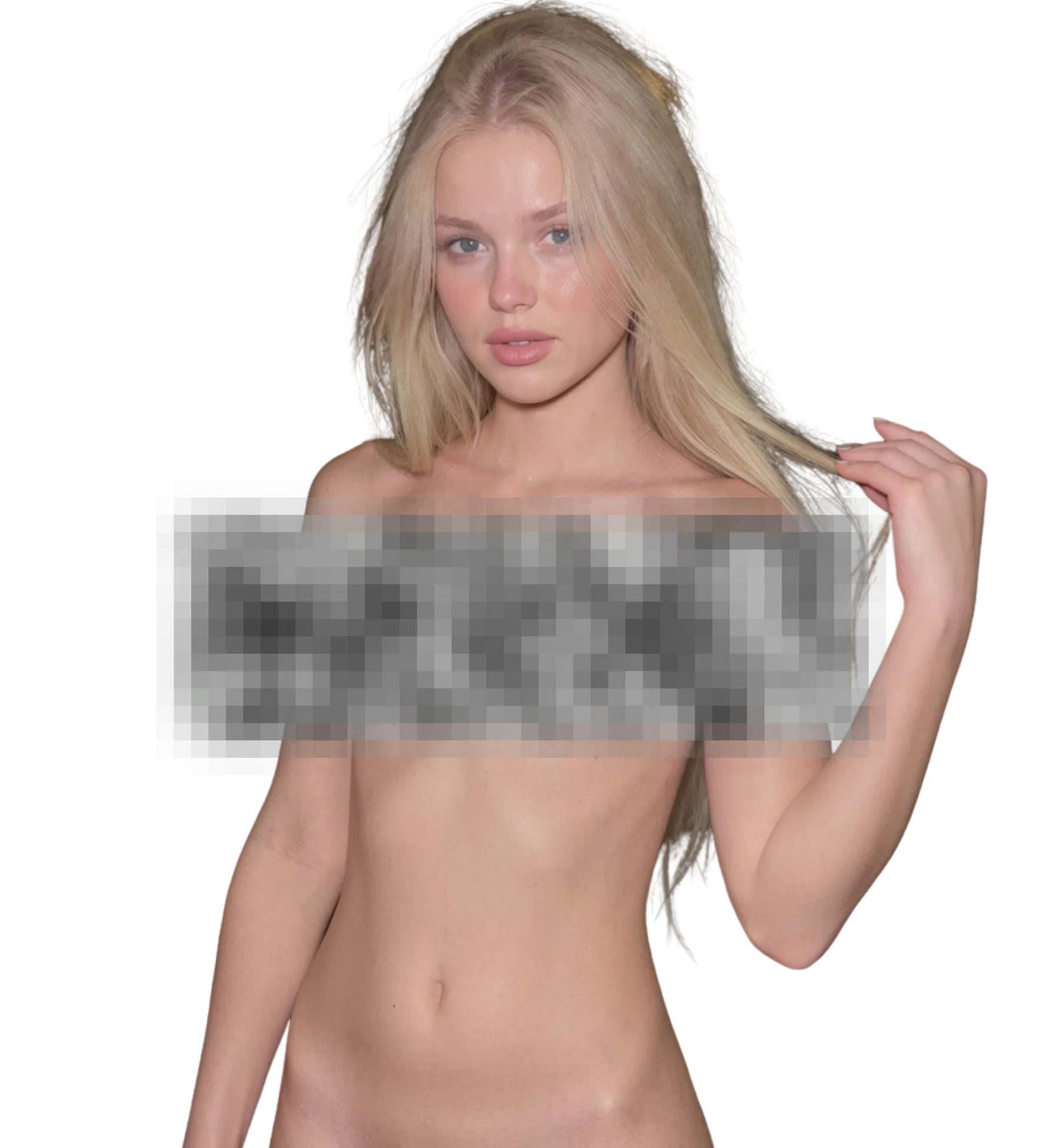
When you upload an image, AI Nude Video Generator will process it and deliver the highest quality result
Best for
Animate a still photo
Production-ready quality with stable outputs and cleaner details.
Short motion clips
Private workflow design with secure generation and export handling.
Fictional character videos
Fast iterations so you can compare variants and pick better results quickly.
What you get
What makes AI Nude Video Generator different
Three clip durations
Choose 5, 10 or 15 seconds per generation. Short clips are cheap to iterate and long clips give more room for motion. Most people test at 5 seconds and only render 15 once the style is settled.
Motion style library
Each style defines a different kind of movement for the subject. You can run the same photo through several styles and keep the version that looks most natural, which is faster than adjusting a prompt by hand.
HD output with upscale
Clips export in HD by default. If you want a cleaner file, the optional upscale pass sharpens the frames. HD downloads are part of the paid tier along with priority in the queue and every style.
Auto-deleted after three days
Your clips stay in your history for the last 30 generations from the past three days, then delete automatically. Uploads are encrypted, processed in isolation and never used for training or identity tracking.
Better results
Tips before you upload
- Avoid heavily compressed JPEGs. Compression artefacts in the first frame get amplified once the model starts moving the pixels.
- A straight-on, centred pose gives the model room to animate. Tight crops that cut off limbs tend to produce awkward motion.
- Test a new motion style at 5 seconds first. It is cheaper and shows you the character of the movement quickly.
- Generate when the queue is quiet if you are on the free tier. Paid users get priority and shorter waits.
- Report any clip that comes out malformed. The credits are refunded once the issue is confirmed.
Common questions
FAQ
1How long does it take to generate a nude video clip?
Usually seconds to about a minute for a 5 second clip, longer for 15 seconds or when the queue is busy. Paid users get priority in the queue. If a job is taking a while, that is normal under load rather than a failure, so wait rather than resubmitting.
2Does the video start from my exact photo?
Yes. The uploaded image becomes the first frame, so the pose, framing and lighting of that photo are what the clip begins with. This is why a clean, high-resolution source matters more here than in image-to-image generation.
3Can I make a clip longer than 15 seconds?
Not in a single generation. The available lengths are 5, 10 and 15 seconds. If you need more, generate several clips from related frames and join them in any video editor. Each clip is a separate generation and uses its own credits.
4What does the upscale option actually do?
Upscale runs a second pass over the finished clip to increase sharpness and detail in each frame. It is optional and takes extra time. Standard output is already HD, so use upscale when you want the cleanest possible file for a larger screen.
5Which motion style should I pick for realistic movement?
It depends on the photo. Subtle styles suit portraits and close crops; more active styles need a full-body frame with space to move. Run two or three styles at 5 seconds on the same photo and compare, because the difference is easier to see than to describe.
6Is image-to-video available on the free tier?
Free credits on signup cover the basic styles, so you can try a short clip without paying. Buying credits unlocks every style, HD downloads and priority in the queue. You can also earn extra credits by referring friends or sharing results.
7Can I animate a photo of someone else?
Only if you have their permission and they are an adult. LeakifyHub requires that you own the photo or have consent, and it does not allow real people without consent, minors or public figures. Your own photos and fictional characters are always fine.
Ready to create with AI Nude Video Generator?
Start now and generate high-quality outputs in minutes. Test multiple variants, refine quickly, and export your best result.