LeakifyHub
AI Porn Generator The Future of NSFW Image Creation
The AI Porn Generator on LeakifyHub covers more than a single transformation. Start from a photo or from a written prompt, choose a style, and produce still images or short animated clips. This page explains the creative controls, how Custom Generation prompts work, and when to use image versus video.
Upload a photo and pick a style, or write a prompt in Custom Generation. Generate a still image, then optionally animate it into a 5, 10, or 15-second video clip in HD.
100k
Daily users
20+
Modes
100%
Private


Overview
An AI porn generator is a set of models that produce adult imagery from your input. That input can be a photo, which the model transforms, or a text prompt, which it renders from scratch. It is for adults who want creative control over the scene, not just a one-click edit, and who work with their own images, consenting adult subjects, or fully fictional characters they describe in a prompt.
LeakifyHub combines three modes. Image-to-image applies one of more than 20 styles to a photo, with new styles weekly. Custom Generation, a premium mode, takes your written prompt and creates the scene. Image-to-video animates a still into a 5, 10, or 15-second HD clip with selectable motion styles and optional upscale. Free credits cover basic styles; buying credits unlocks the premium modes, HD downloads, and priority processing.
All uploads are encrypted with AES-256 and processed in isolated containers. Only your last 30 generations from the past three days are stored, then deleted automatically. Content is never used for training and no identity tracking is applied. You may only use photos you own or have permission for. Every real subject must be a consenting adult: no minors, no public figures, no real people without consent. Takedowns are handled within 24 hours.
How it works
What is a AI Porn Generator
Upload a photo and pick a style, or write a prompt in Custom Generation. Generate a still image, then optionally animate it into a 5, 10, or 15-second video clip in HD.
Step by step
How to use AI Porn Generator
- 1
Decide photo or prompt
If you have a photo, image-to-image keeps its pose and setting and applies a style. If you want a scene that does not exist yet, open Custom Generation and describe it in a prompt. Custom Generation is a premium mode unlocked with credits.
- 2
Write or select the style
For photo input, choose from the style library. For prompt input, describe subject, setting, lighting, and framing in plain language, one idea per clause. Specific prompts produce more controlled results than vague ones with many adjectives.
- 3
Generate the still image
Run the generation and review at full size. Most results arrive in seconds to about a minute. If the composition is close but not right, adjust one part of the prompt or switch style and run again rather than rewriting everything.
- 4
Animate into video if wanted
Take the still into image-to-video, pick 5, 10, or 15 seconds and a motion style. The image becomes the first frame, so its framing sets the shot. HD output and optional upscale are available with credits.
How it
looks like?
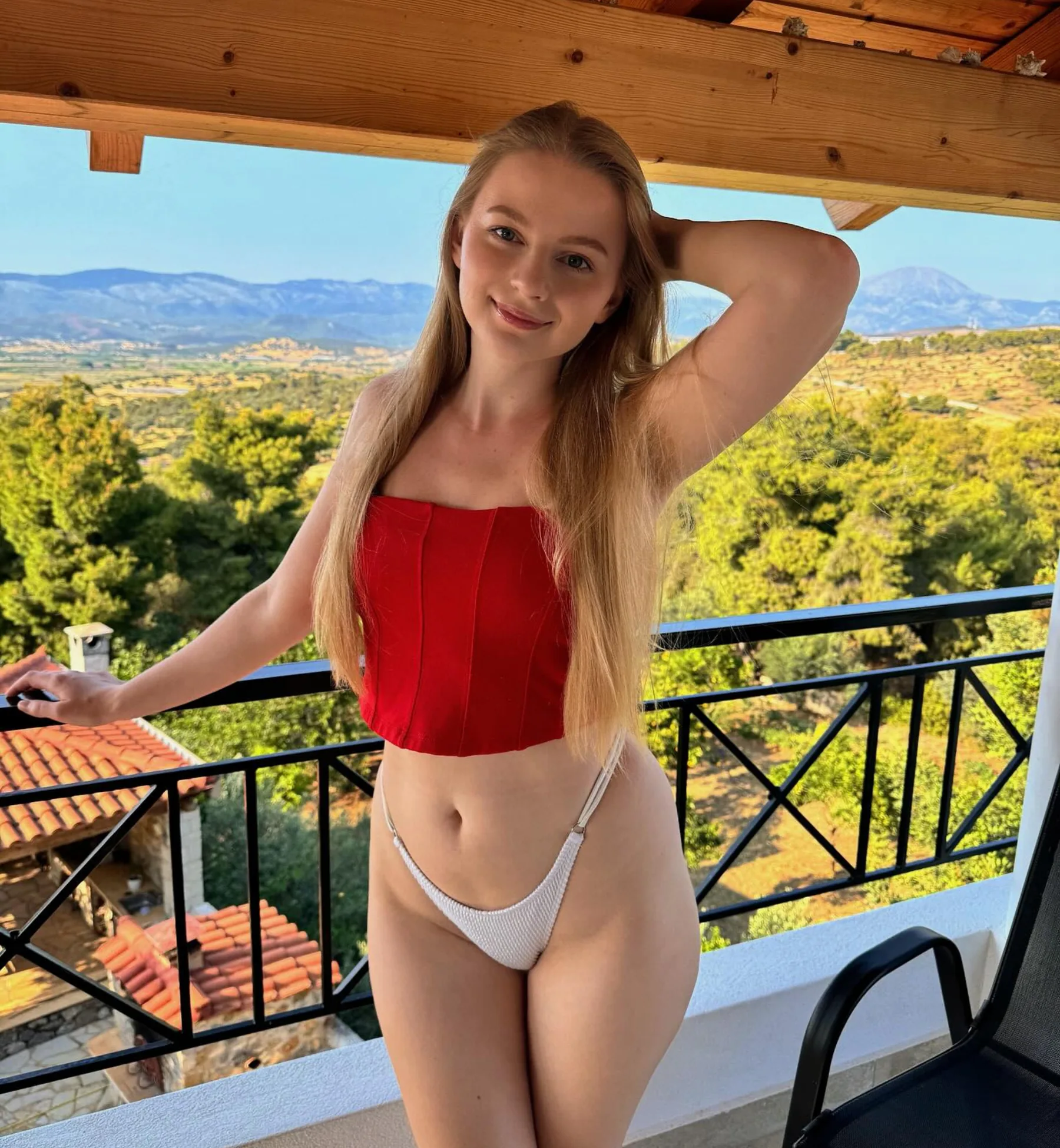
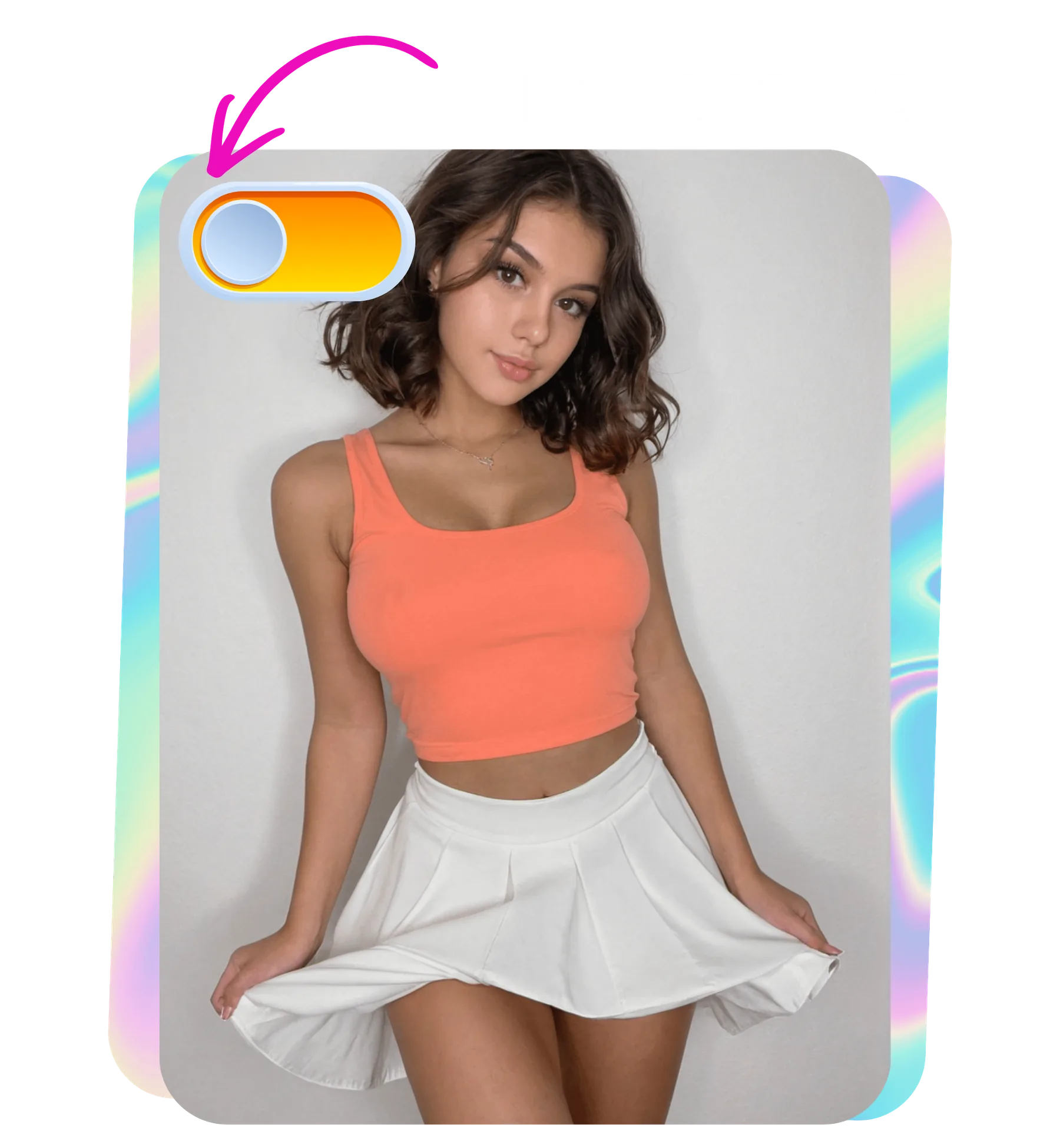
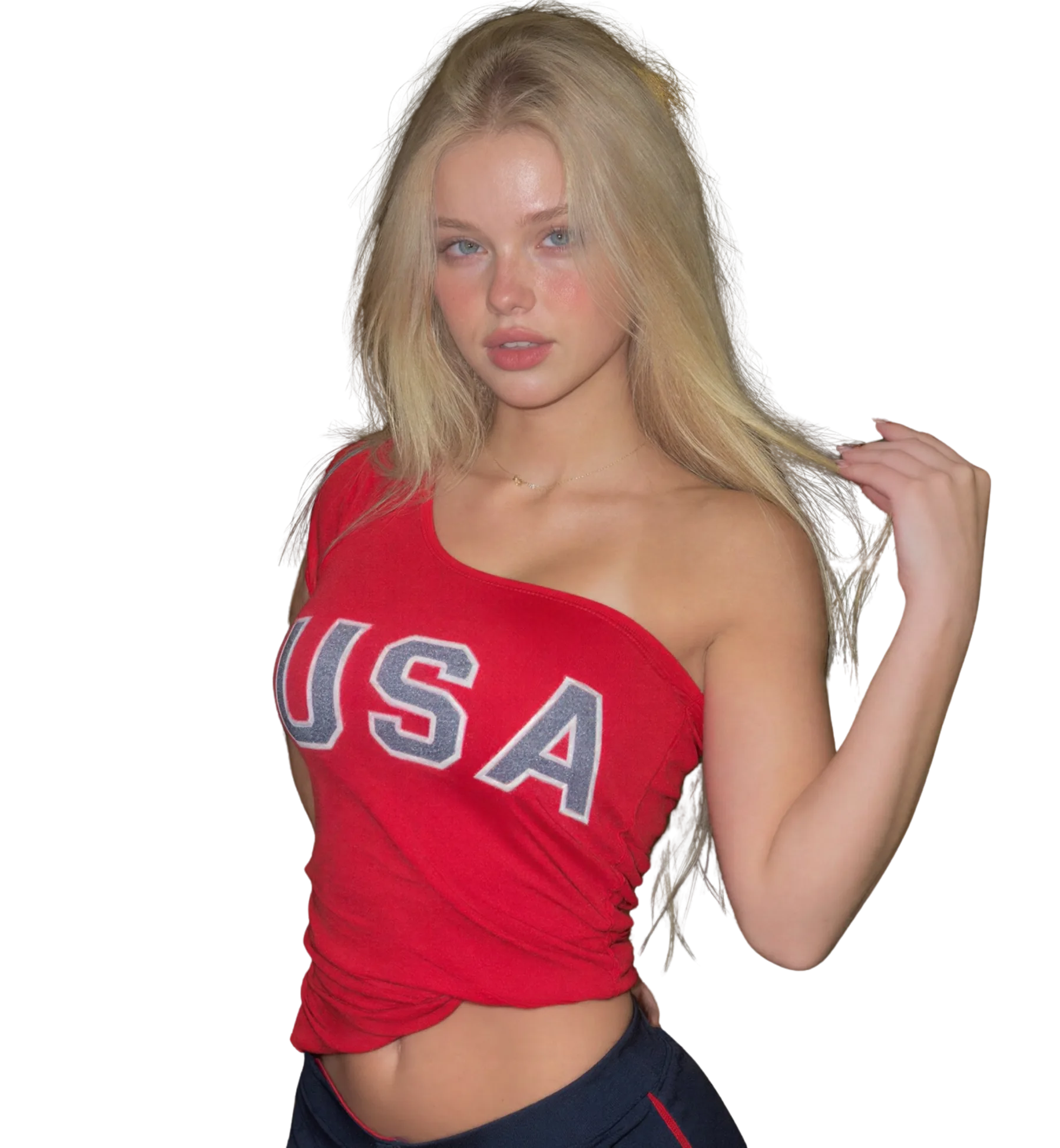
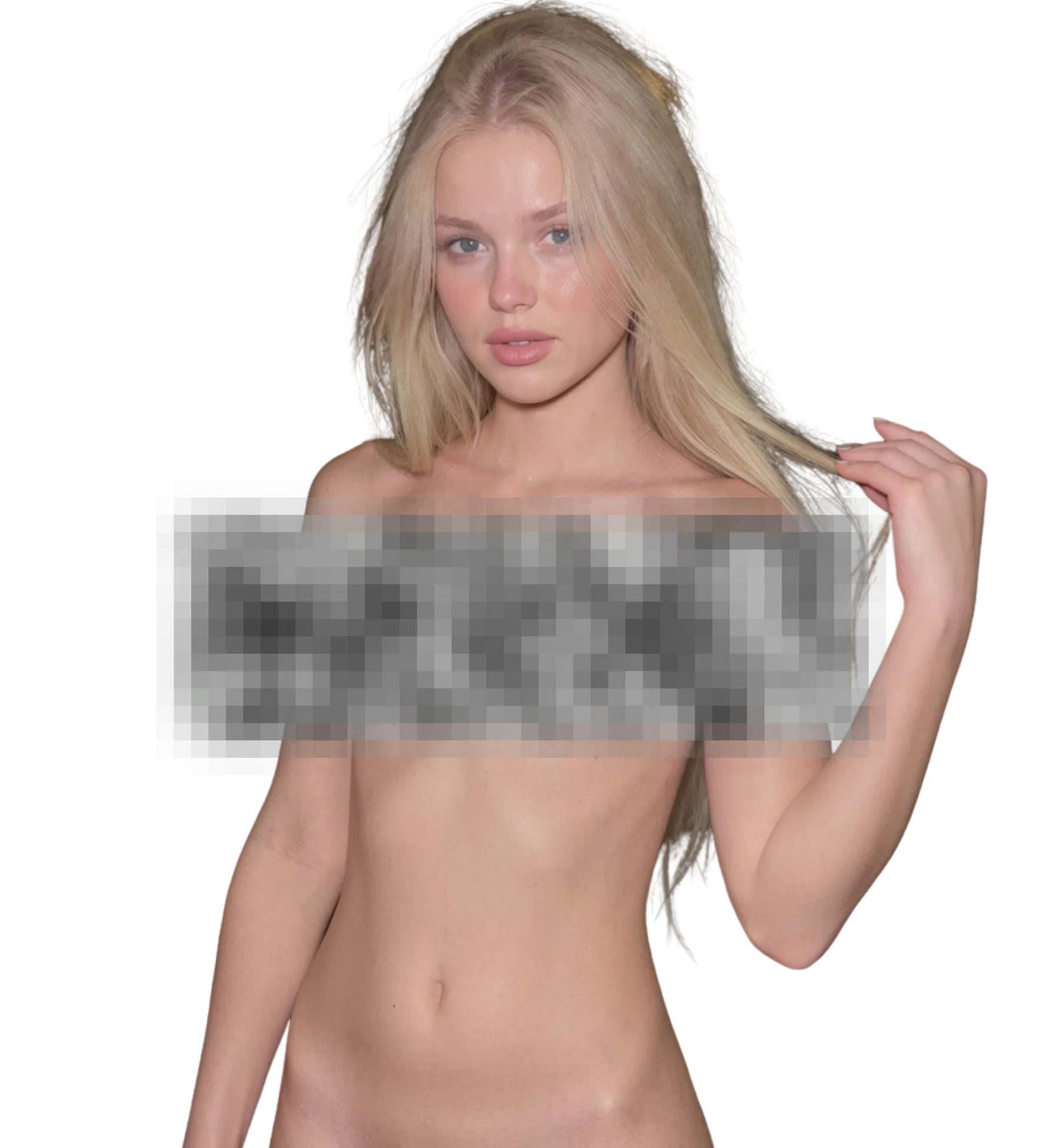
When you upload an image, AI Porn Generator will process it and deliver the highest quality result
Best for
Prompt-built adult scenes
Production-ready quality with stable outputs and cleaner details.
Short animated clips
Private workflow design with secure generation and export handling.
Creator style projects
Fast iterations so you can compare variants and pick better results quickly.
What you get
What makes AI Porn Generator different
Prompt-based Custom Generation
Write the scene you want instead of adapting a photo. Subject, pose, setting, lighting, and camera framing can all be described. This is the mode with the most creative control and is unlocked by purchasing credits.
Image and video output
Generate a still, then animate it. Video clips come in 5, 10, and 15-second lengths with different motion styles, in HD with optional upscale. Stills and clips are paid for from the same credit balance.
Style library plus creator LoRAs
More than 20 styles ship on the platform with weekly additions. Creators can also train their own LoRA styles, so the look you get is not limited to the default set and keeps growing over time.
Face Swap for composition
Place a face onto a template or your own generated image as a premium option. Use it only with faces you have consent to use. It pairs with Custom Generation when you are building a complete scene.
Better results
Tips before you upload
- In Custom Generation, describe lighting and camera framing explicitly. Those two details change the result more than adjectives about the subject do.
- Change one prompt element per run. If you rewrite the whole prompt, you cannot tell which change improved or hurt the output.
- Generate the still first and only animate the one you like. Video uses more credits than a single image does.
- For video, frame the still with room to move. Tight crops give the motion model little space and can distort edges.
- Fictional characters described in a prompt need no consent; any real face does. Keep the two clearly separate in your workflow.
Common questions
FAQ
1What is the difference between photo-based and prompt-based generation?
Photo-based generation transforms an image you upload and keeps its pose, face, and setting. Prompt-based Custom Generation builds a scene from a text description with no source photo. Use the first when you have the shot and want a different version; use the second when you want a scene that does not exist yet.
2How do I write a good prompt for Custom Generation?
State the subject, setting, lighting, and framing in plain clauses. For example: one adult woman, hotel room, warm lamp light, medium shot. Avoid long lists of adjectives. Change one element at a time between runs so you can see what each change does. Specific beats poetic every time.
3Can the AI porn generator make video as well as images?
Yes. Image-to-video turns a still into a 5, 10, or 15-second clip with a choice of motion styles, rendered in HD with optional upscale. The still becomes the first frame. Generate and approve the image first, then animate it, since video uses more credits than a single still.
4Do I need a photo to use the generator?
Not for Custom Generation, which works from a prompt alone and is unlocked with credits. The standard styles and image-to-video do need an uploaded image to start from. Many people combine both: build a scene with a prompt, then animate the result as a short clip.
5Can I generate scenes with characters I invent?
Yes, and that is what Custom Generation is built for. Describe a fictional adult character in the prompt and the model renders them. The consent rules apply to real people: any actual face or photo must be yours or belong to a consenting adult. Invented characters carry no such constraint.
6Is there an API for generating adult content?
Yes. LeakifyHub exposes a developer REST API with its own documentation page, covering the generation modes available in the browser. It suits developers building their own tools or automating batches. The same content rules and consent requirements apply to API use as to the website.
7How much does AI porn generation cost per scene?
Each generation uses credits. Signup includes free credits for basic styles. Custom Generation, Face Swap, all styles, HD downloads, and priority processing are unlocked by purchasing credits, and video costs more than a still. You can also earn credits by referring friends or sharing results. See the creator plans for pricing.
Ready to create with AI Porn Generator?
Start now and generate high-quality outputs in minutes. Test multiple variants, refine quickly, and export your best result.