LeakifyHub
AI Nude Generator Create realistic uncensored visuals
The AI Nude Generator on LeakifyHub creates nude images from a photo you upload. Choose from a growing library of styles, keep the pose and setting of the original, and download the result in HD. It runs in any browser, on desktop or phone, with no software to install.
Upload a photo, pick a nude style, and generate. The model renders a nude version of the subject in the same pose and scene, usually within seconds to a minute, ready to download.
100k
Daily users
20+
Modes
100%
Private

Overview
An AI nude generator produces nude images from an input photo rather than from a text description alone. The output keeps the person's face, body position, and surroundings, so it reads as a photograph rather than an illustration. It is for adults working with their own images or with consenting adult subjects, whether for personal projects, art references, or private use, and who want a high-quality still image.
LeakifyHub offers more than 20 image styles with new ones added weekly, covering different lighting, moods, and levels of stylisation. Free credits on signup cover basic styles. Purchasing credits unlocks the full style library, HD downloads, priority processing, and two premium modes: Face Swap and Custom Generation, where you write the prompt yourself. Credits can also be earned by referring friends or sharing results.
Uploads are encrypted with AES-256 and processed in isolated containers. Only your last 30 generations from the past three days are retained, after which they are deleted automatically. Nothing is used for training and no identity tracking is applied. You may only upload images you own or have permission to use, subjects must be consenting adults, and no minors or public figures are allowed. Takedown requests are handled within 24 hours.
How it works
What is a AI Nude Generator
Upload a photo, pick a nude style, and generate. The model renders a nude version of the subject in the same pose and scene, usually within seconds to a minute, ready to download.
Step by step
How to use AI Nude Generator
- 1
Upload a high-quality photo
Pick an image of 1024px or more with a clear, well-lit face and no obstructions. The output resolution and detail depend heavily on the input, so a sharp source photo is the biggest single factor in final image quality.
- 2
Choose a nude style
Browse the style library and select the look you want: realistic studio, natural light, or a more stylised render. Basic styles are free to try; the rest unlock when you buy credits. Preview thumbnails help match the style to your photo.
- 3
Generate the image
Run the generation. It usually completes in seconds to about a minute, longer if the queue is busy. Paid users get priority. The result appears at full size so you can review the detail before deciding to keep it.
- 4
Download in HD
Save the image. HD downloads are included with credits and give you the full-resolution file for cropping or archiving. If the output is malformed, report it from the result view and the credits for that generation are refunded.
How it
looks like?
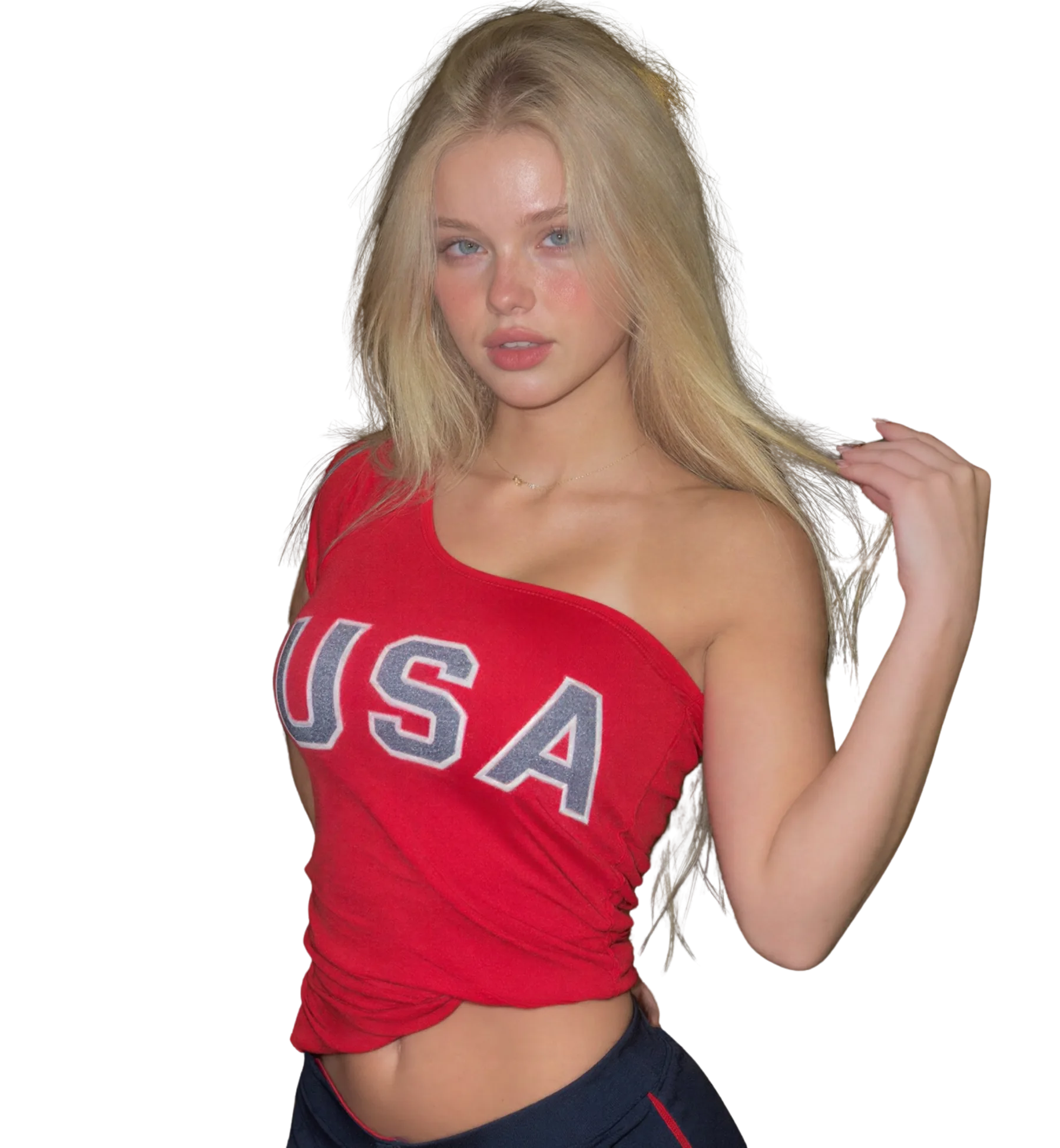
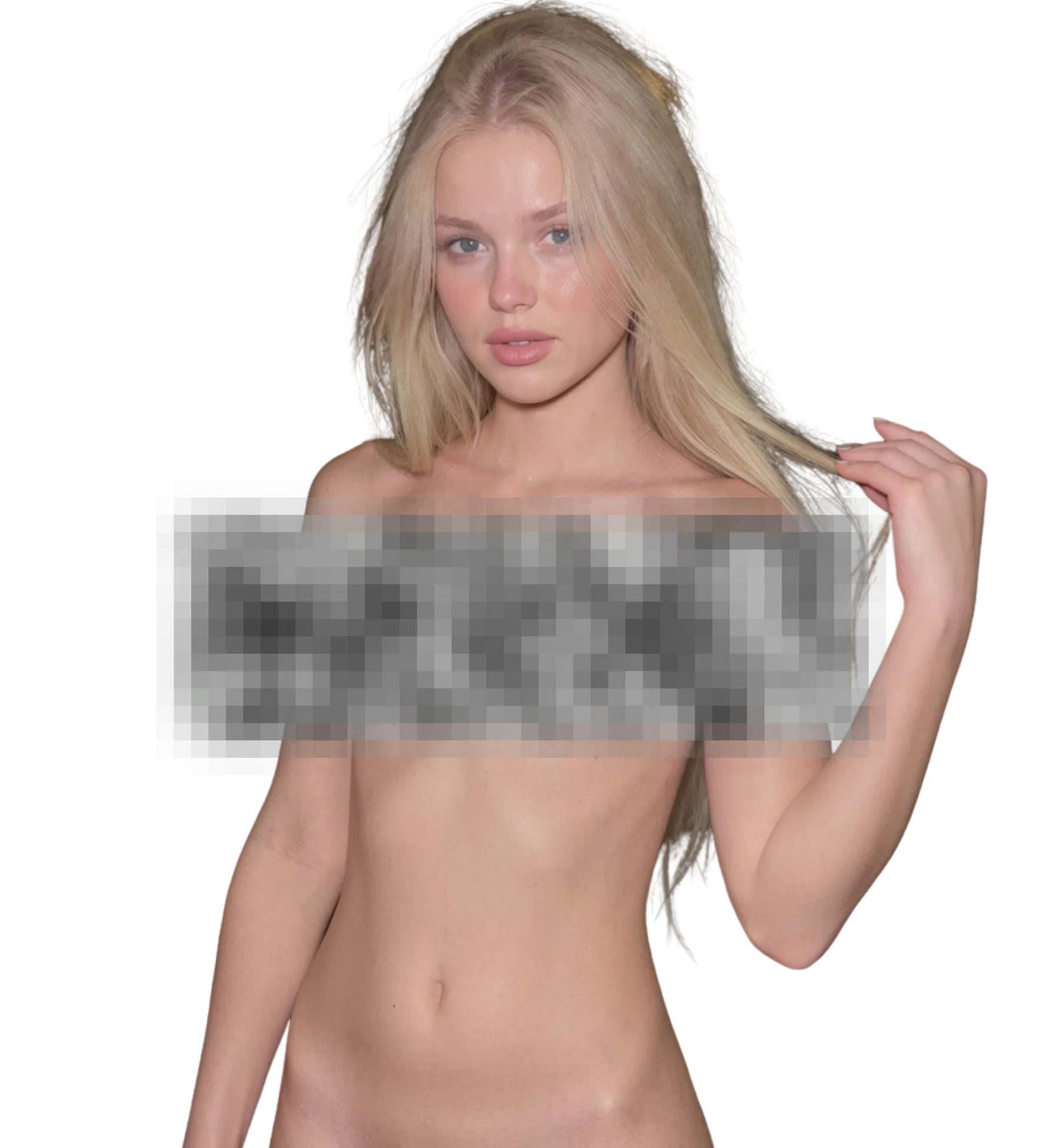
When you upload an image, AI Nude Generator will process it and deliver the highest quality result
Best for
Realistic nude portraits
Production-ready quality with stable outputs and cleaner details.
Art and figure references
Private workflow design with secure generation and export handling.
Private personal images
Fast iterations so you can compare variants and pick better results quickly.
What you get
What makes AI Nude Generator different
20+ nude styles
The library covers a range of lighting setups and rendering approaches, and new styles are added weekly. The same photo can look like a studio portrait or a natural-light shot depending on which style you choose to run.
Pose and scene retained
Because generation starts from your photo, the body position, camera angle, and background stay in place. The result looks like a different take of the same shot rather than a new scene built from nothing.
HD output
With credits, downloads come at high resolution. That matters if you plan to crop, print, or view the image on a large screen, where standard-resolution output would show softness in skin texture and edges.
Premium creative modes
Face Swap places a face onto a template or your own image, and Custom Generation lets you write a prompt to describe exactly the scene you want. Both are unlocked by purchasing credits and share the same balance.
Better results
Tips before you upload
- Match the style to the photo's lighting. A studio style on an outdoor photo can produce shading that does not fit the background.
- Higher input resolution gives sharper skin texture in the output. Anything below 1024px will look soft, especially in HD downloads.
- Simple backgrounds generate more cleanly. Busy scenes with objects near the body increase the chance of artifacts at the edges.
- Generate two styles on the same photo before downloading. The difference between styles is often larger than you would expect.
- If you want a completely new scene rather than the original setting, use Custom Generation with a written prompt instead.
Common questions
FAQ
1What input does an AI nude generator need?
One photo of the subject. A front-facing or three-quarter shot at 1024px or higher, with a clear face and even lighting, gives the best output. You do not need to write a prompt for standard styles. The generator works from the image itself, keeping the pose and background in place.
2How realistic are the generated nude images?
Realism depends mostly on the source photo and the style choice. With a sharp, well-lit input and a style that matches the lighting, results look photographic, with consistent skin tone and shadows. Low-resolution or poorly lit inputs produce soft or mismatched results. No generator gets every image right, so compare styles and report malformed outputs.
3What resolution are the output images?
Results are shown at full size, and HD downloads are available once you have credits. Output detail scales with the input, so a 1024px or larger source photo produces the sharpest files. Free-tier downloads are standard resolution, which is fine for viewing but softer if you crop.
4Can I generate nude images without uploading a photo?
Yes, through Custom Generation, a premium mode where you write a prompt describing the scene and the model creates it from scratch. Standard styles require an uploaded photo because they transform an existing image. Custom Generation is unlocked by purchasing credits and works alongside the regular styles.
5How long does each nude image take to generate?
Usually seconds to about a minute. When the queue is busy the wait grows, and users who have purchased credits are moved to the front. You can queue another generation while waiting, which is handy when you are comparing several styles on the same photo.
6Do the image styles change over time?
Yes. New styles are added weekly on top of the existing library of more than 20. Creators can also train their own LoRA styles on the platform. If a style you liked has since been joined by newer ones, it is worth re-running an older photo to compare the results.
7What credit packages are available for the generator?
Signup gives free credits for basic styles. Paid packages unlock every style, HD downloads, Face Swap, Custom Generation, and priority in the queue. You can also earn credits by referring friends or sharing your results. Check the plans page for current package sizes and prices.
Ready to create with AI Nude Generator?
Start now and generate high-quality outputs in minutes. Test multiple variants, refine quickly, and export your best result.