LeakifyHub
AI Clothes Remover Tool Fast before-to-after transformations
The AI Clothes Remover on LeakifyHub takes a clothed photo and renders the same person without the garment, matching skin tone, lighting, and body shape to what is already visible. This page explains what the removal step actually does, which inputs it handles well, and where it tends to fail.
Upload a photo, choose a removal style, and generate. The model estimates the body under the fabric from the visible skin, pose, and lighting, and returns a result in seconds to about a minute.
100k
Daily users
20+
Modes
100%
Private

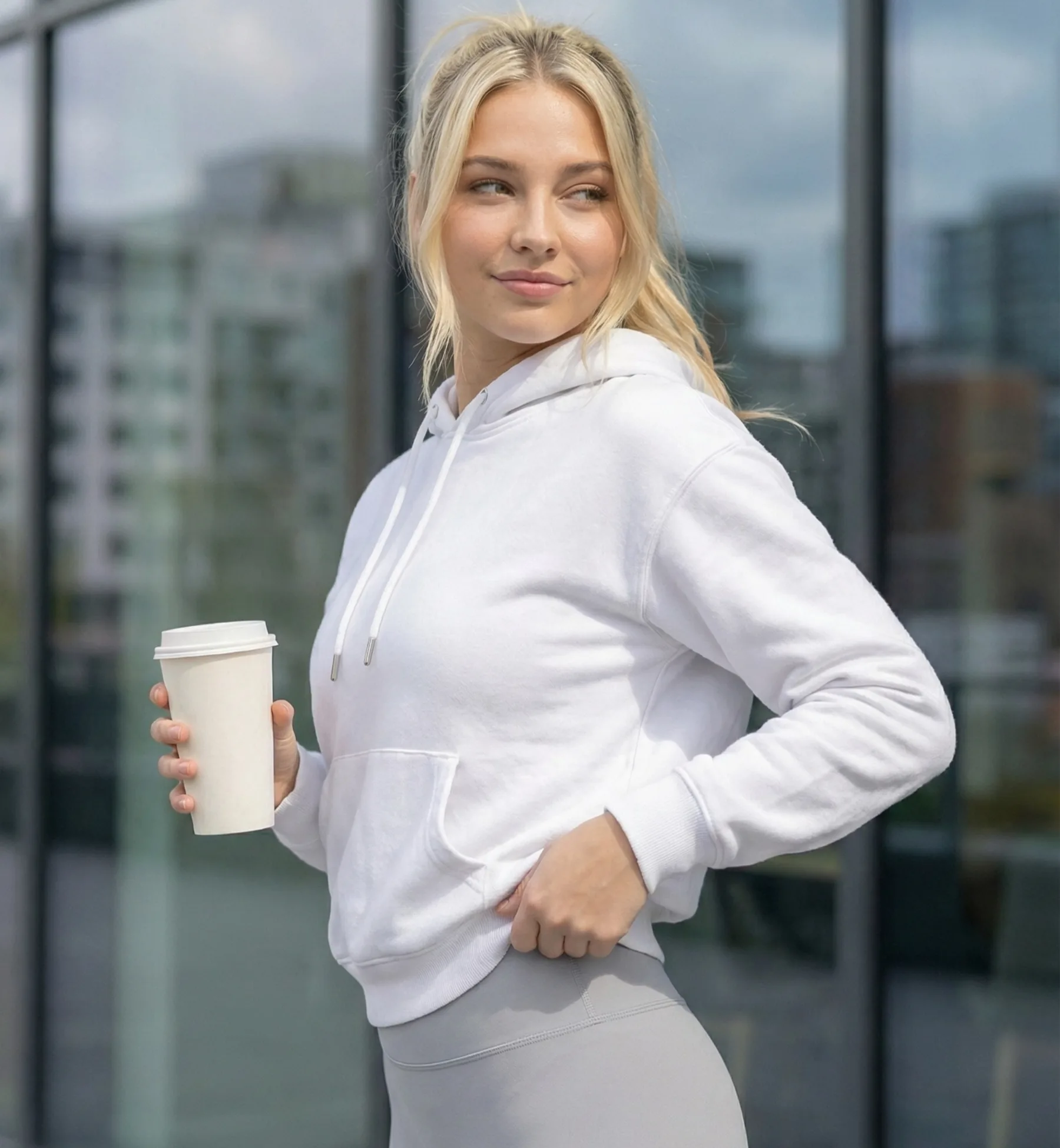

Overview
An AI clothes remover is an image-to-image model trained to replace clothing with a plausible rendering of the body underneath. It does not see through fabric. It infers, using visible skin, the silhouette the clothing creates, and the direction of light. It suits adults editing their own photos or photos of consenting adults who want a clean, believable edit rather than an obviously pasted result.
On LeakifyHub the remover is a set of styles in image-to-image mode, alongside more than 20 other styles with new ones added weekly. Free signup credits let you test basic removal styles. Buying credits unlocks every style, HD downloads, and priority processing. If you want a different scene rather than a straight removal, Custom Generation lets you write your own prompt as a premium option.
Every upload is encrypted with AES-256 and processed in an isolated container. Only your last 30 generations from the past three days are kept, then deleted automatically. Images are never used for training and no identity tracking is attached. You may only upload photos you own or have permission for, and subjects must be consenting adults. No minors, no public figures, no real people without consent. Takedowns are handled within 24 hours.
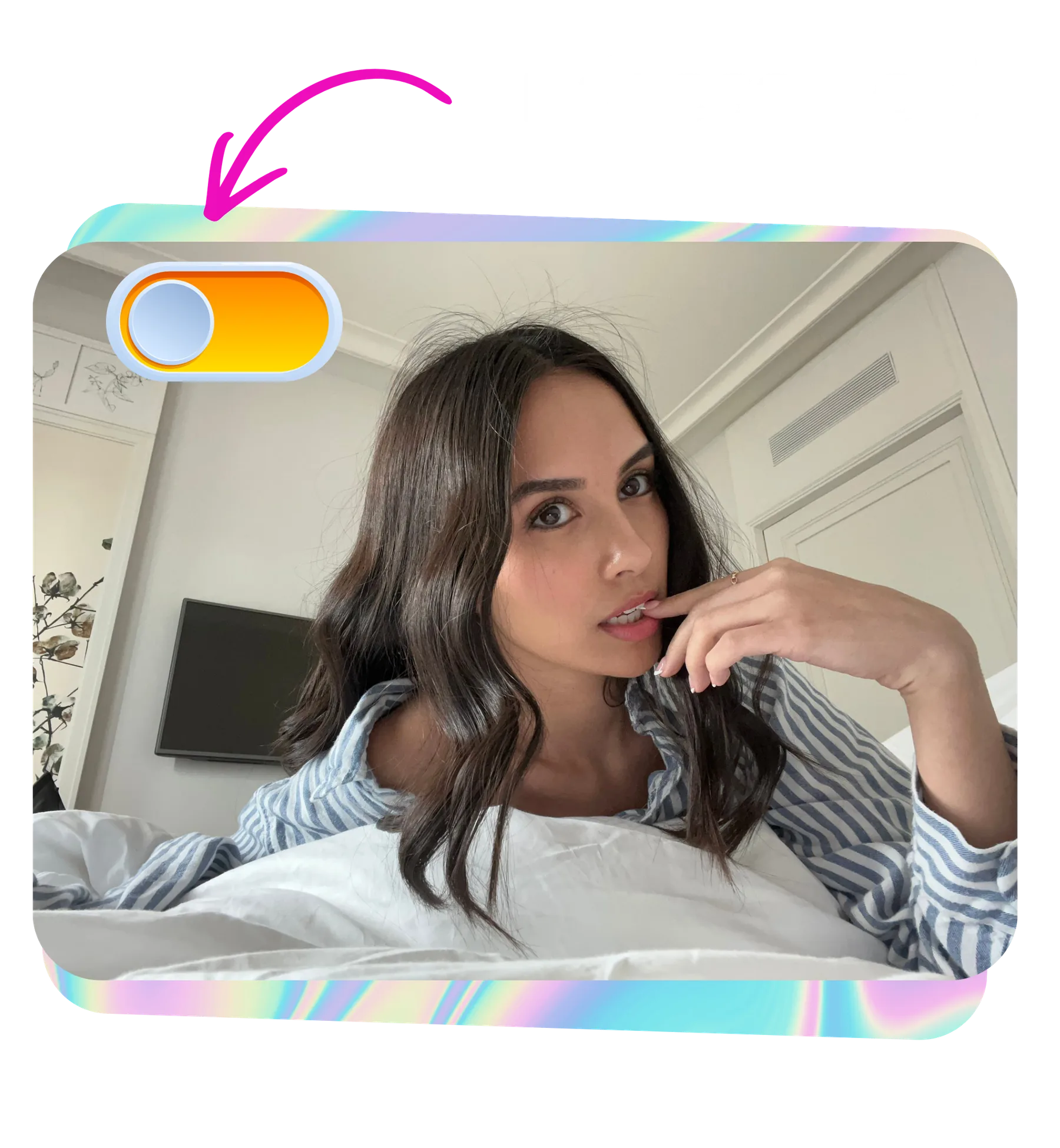
How it works
What is a AI Clothes Remover
Upload a photo, choose a removal style, and generate. The model estimates the body under the fabric from the visible skin, pose, and lighting, and returns a result in seconds to about a minute.
Step by step
How to use AI Clothes Remover
- 1
Choose a clean source photo
Use a photo of at least 1024px with an unobstructed, well-lit face and even lighting on the body. Heavy shadows and compressed JPEGs remove detail the model needs to match skin tone, so they are the first things to avoid.
- 2
Select a removal style
Pick a style suited to the photo's lighting and setting. Basic removal styles are available with free credits; premium styles add finer control and are unlocked by purchasing credits. Matching the style to the lighting improves continuity across the edit.
- 3
Generate and inspect the edges
Run the removal. When the result appears, check the transitions where fabric used to end: neckline, shoulders, waist, and thighs. Good results show continuous skin tone and shadow direction across those lines with no visible seam.
- 4
Refine or report
If a seam or tone shift is visible, try another style or a better-lit source photo. If the output is malformed, with distorted anatomy or smeared areas, report it from the result view and the credits for that run are refunded.
How it
looks like?
When you upload an image, AI Clothes Remover will process it and deliver the highest quality result
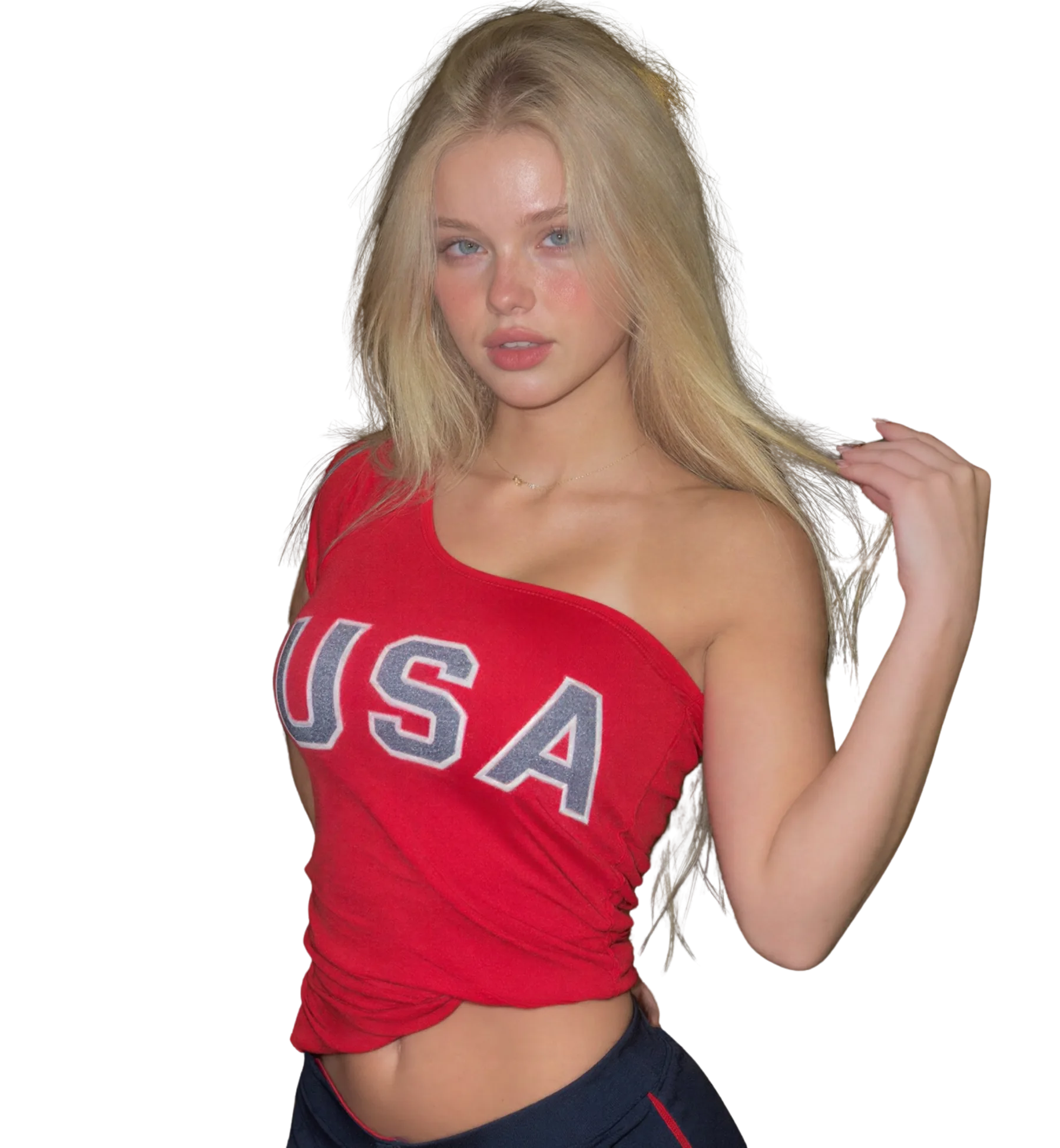
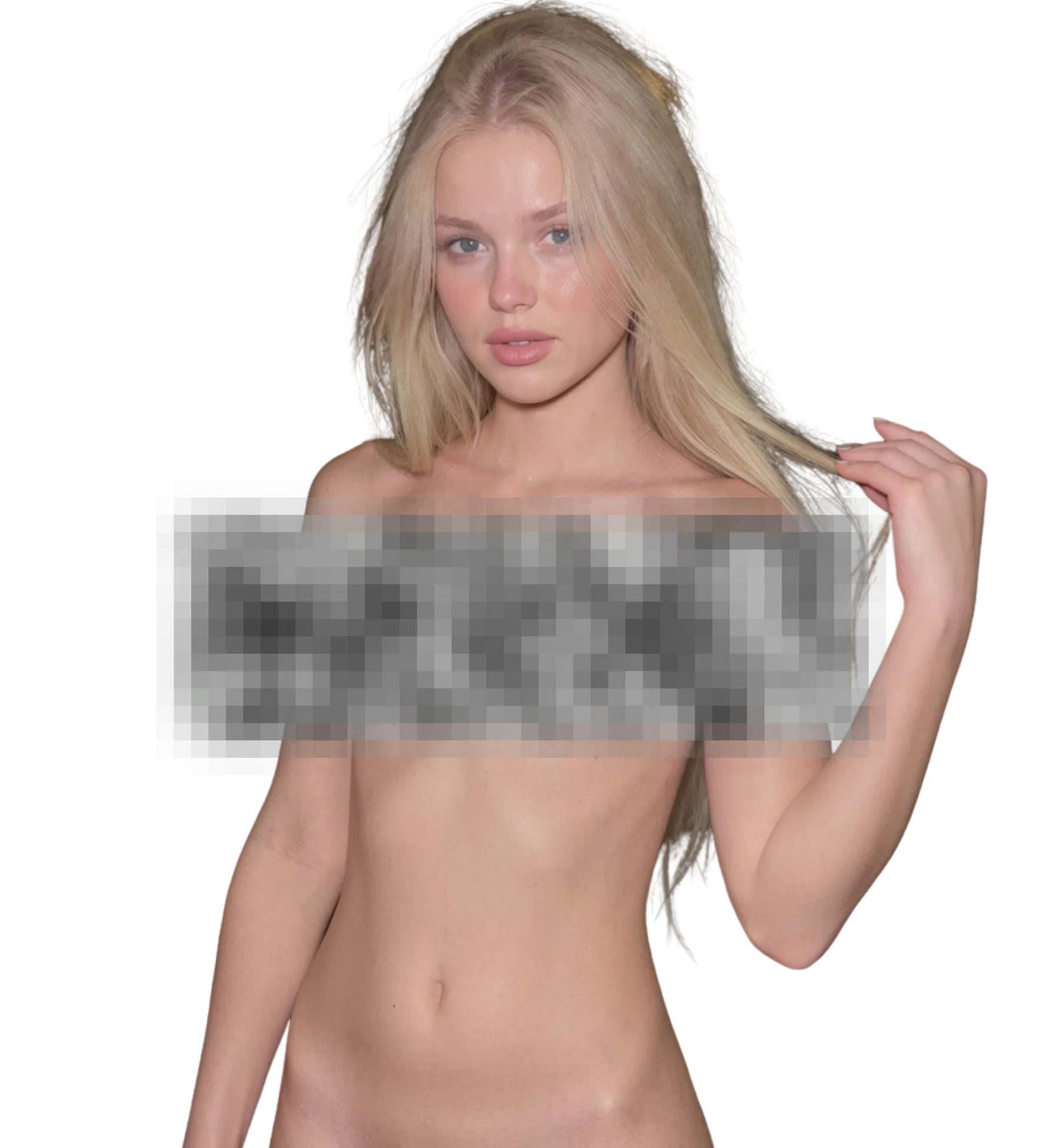
Best for
Clean single-garment edits
Production-ready quality with stable outputs and cleaner details.
Fitted clothing removal
Private workflow design with secure generation and export handling.
Own-photo before and after
Fast iterations so you can compare variants and pick better results quickly.
What you get
What makes AI Clothes Remover different
Skin tone continuity
The model samples visible skin from the face, arms, and neck and extends that tone across the removed area. Even lighting in the source keeps this consistent; strong side light or mixed colour temperature makes it harder to match.
Lighting and shadow matching
Shadows on the generated body follow the light direction visible in the rest of the photo. A single clear light source produces the most believable results. Multiple conflicting light sources are a common cause of flat or mismatched shading.
Fabric-aware inference
Tight or thin clothing gives the model a clear silhouette to work from. Loose, layered, or heavily patterned garments hide the body shape, so the model has to guess more, and results vary more between styles.
Full-size result review
Results are shown at full resolution so you can zoom into edges and transitions. HD downloads are available with credits, which matters if you intend to inspect or crop the output rather than only view it on screen.
Better results
Tips before you upload
- Fitted clothing removes more accurately than loose or layered clothing because the silhouette already tells the model where the body is.
- Avoid photos where arms, hair, or bags cross the torso. Anything overlapping the removal area becomes a likely artifact.
- Even, front-facing light gives the cleanest skin tone match. Harsh side light and mixed indoor and outdoor light cause shading mismatches.
- Check the neckline and waist first. If the seam is clean there, the rest of the removal is usually fine too.
- If one style leaves a visible transition, re-run with a different style before swapping the photo. Styles handle fabric edges differently.
Common questions
FAQ
1Does an AI clothes remover see through clothing?
No. It cannot see anything hidden by fabric. It generates a new body region based on visible skin, the silhouette the clothing creates, and the lighting in the photo. That is why fitted clothing and clear lighting produce closer results than loose layers or dim shots. The output is a rendering, not a reveal.
2What types of clothing are hardest to remove cleanly?
Loose or layered garments, heavy patterns, and anything that hides the body outline. Coats, oversized sweaters, and flowing dresses give the model little to work from, so results vary. Thin, fitted clothing such as sportswear or swimwear is the easiest case. Accessories crossing the torso also cause artifacts.
3How does the tool match skin tone across the removed area?
It samples the skin that is visible, usually the face, neck, and arms, and extends that tone into the generated region, adjusting for the light direction it detects. Mixed lighting, heavy makeup on the face only, or strong tan lines can throw this off. Even lighting on both face and body keeps tones consistent.
4Why is there a visible seam where the clothing was?
A seam usually means the style struggled with the lighting or the fabric edge. Try a different removal style first, since each handles edges differently. If it persists, the source is probably the issue: low resolution, heavy compression, or a shadow falling exactly on the transition. Malformed results can be reported for a credit refund.
5Can I remove clothing from only part of a photo?
The removal styles process the whole subject rather than a selected region. If you want a specific outcome, such as keeping certain items, Custom Generation lets you describe the result in a prompt as a premium feature. For most photos, running a standard removal style and comparing two results is faster.
6Is there a free AI clothes remover option here?
Signup gives you free credits and access to basic removal styles, which is enough to test how your photo performs. Buying credits unlocks all styles, HD downloads, and priority in the queue. You can also earn credits by referring friends or sharing results with the community.
7What happens to my photo after removal?
It is encrypted with AES-256 during upload and processed in an isolated container. Only your last 30 generations from the past three days are kept for you to revisit, then deleted automatically. Nothing is used for training, and no identity tracking is attached to your images at any point.
Ready to create with AI Clothes Remover?
Start now and generate high-quality outputs in minutes. Test multiple variants, refine quickly, and export your best result.