LeakifyHub
Faceswap AI Tool Image and video identity swaps
The Faceswap AI Tool on LeakifyHub places a face from one photo onto a ready-made template or onto a second image you upload. It is a premium mode that runs in the browser, handles alignment and blending automatically, and works with your own face or a consenting adult's.
Upload the source face, choose a template or your own base image, and generate. The model aligns the face, matches skin tone and lighting, and returns an HD result in about a minute.
100k
Daily users
20+
Modes
100%
Private



Overview
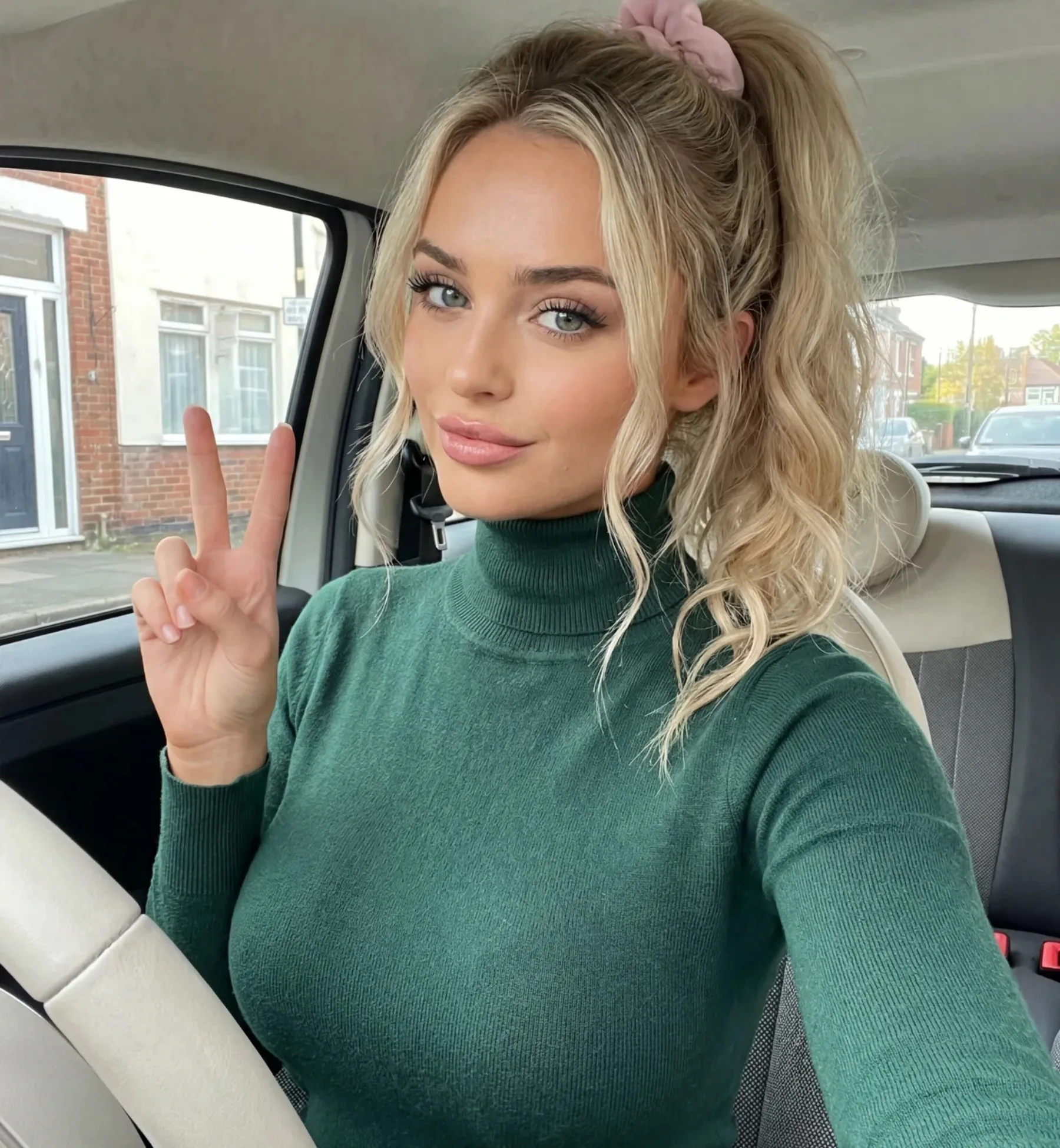
A face swap tool takes the face from one image and blends it into another while keeping the target's pose, body and background. It is used by people who want to see themselves or a character they created in a scene without shooting it. On LeakifyHub the target scene can be a template from the library or any image you upload yourself.
Face Swap is one of LeakifyHub's premium modes, unlocked when you buy credits alongside Custom Generation, priority queue and HD downloads. You pick a source face, then either a template from the built-in set or your own base image, and generate. The same swapped result can then be uploaded to image-to-video as the first frame of a clip.
Source faces and results are encrypted with AES-256 and processed in isolated containers. Only your last 30 generations from the past three days are kept, then deleted, and nothing trains the models. You may only upload faces you own or have permission for, subjects must be consenting adults, and real people without consent, minors and public figures are not allowed. Takedowns are handled within 24 hours.
How it works
What is a Faceswap AI Tool
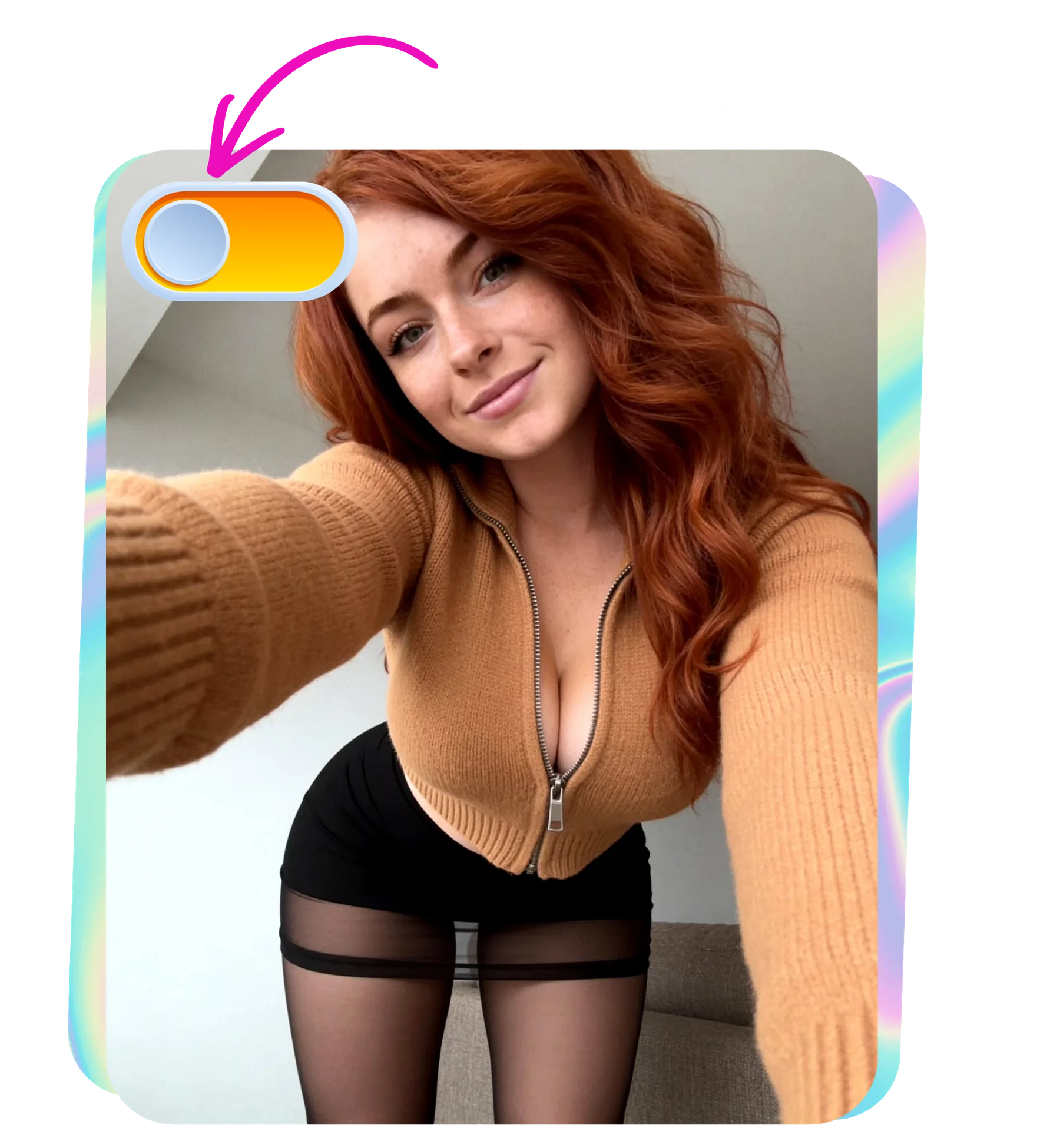
Upload the source face, choose a template or your own base image, and generate. The model aligns the face, matches skin tone and lighting, and returns an HD result in about a minute.
Step by step
How to use Faceswap AI Tool
- 1
Upload a source face
Choose a photo where the face is front-on, well lit, at least 1024px, with nothing covering it. Glasses, hair across the eyes and heavy shadow all reduce accuracy. This is the face that will appear in the result.
- 2
Template or your own image
Pick a template from the library for a quick result, or upload your own base image for full control over pose and setting. Templates have a known pose and lighting; own images work best when the angle matches the source.
- 3
Check angle and lighting
Before generating, compare the two images. A source face turned left onto a target turned right will look pasted on. Similar head angle, similar light direction and similar skin tone give the most natural blend.
- 4
Generate and compare
Run the swap and review the result at full size. If the edges or eyes look off, swap in a different template or a cleaner source photo and go again. Download in HD when it looks right.
How it
looks like?
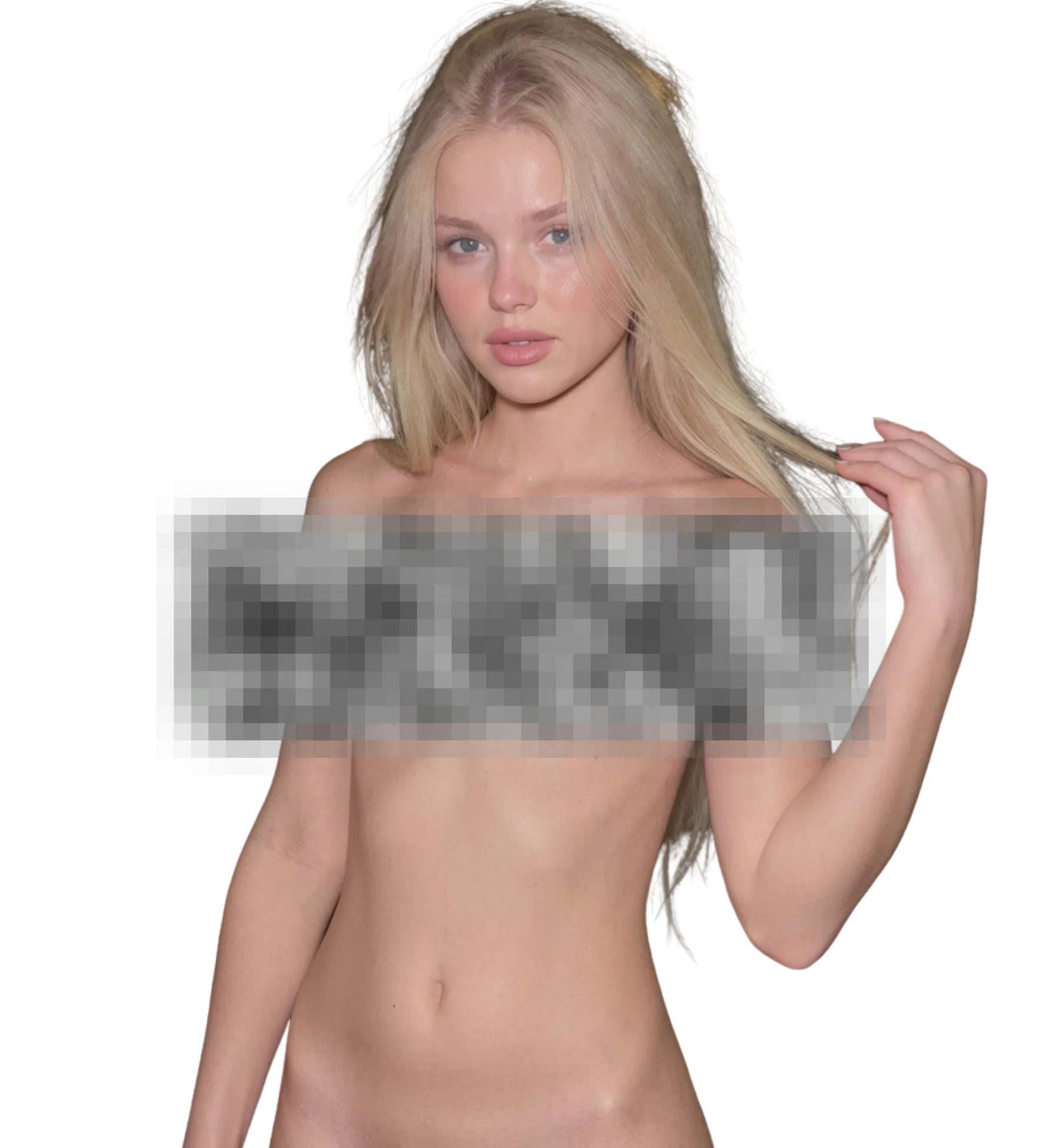
When you upload an image, Faceswap AI Tool will process it and deliver the highest quality result
Best for
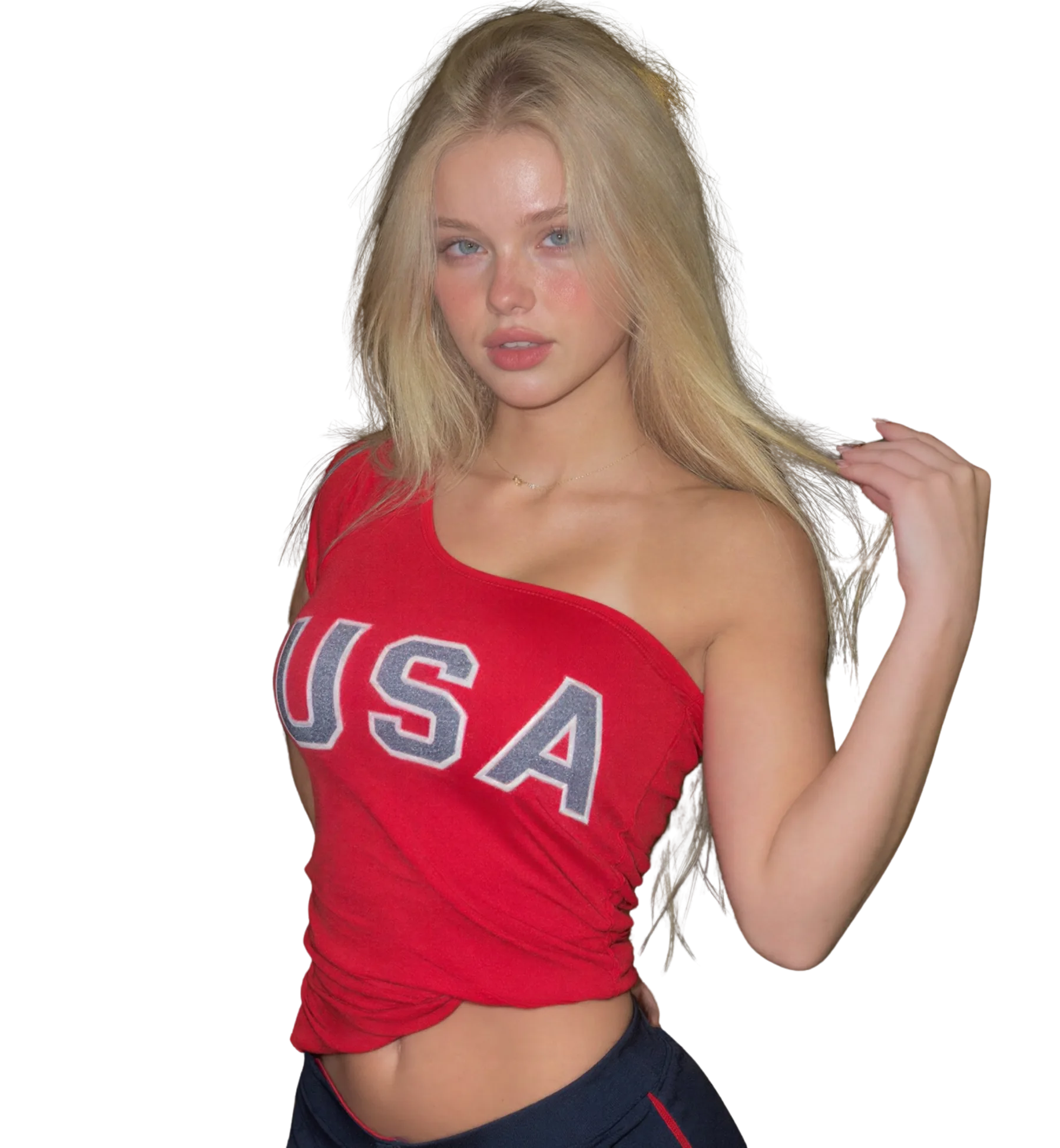
Your face in template scenes
Production-ready quality with stable outputs and cleaner details.
Consenting partner swaps
Private workflow design with secure generation and export handling.
Character face design
Fast iterations so you can compare variants and pick better results quickly.
What you get
What makes Faceswap AI Tool different
Template library
Ready-made scenes built for swapping. Each template has a known pose and lighting, so results are predictable and you can try several in a row without preparing base images of your own first.
Own image as target
Upload any image you have the rights to and use it as the base. This gives you control over pose, setting and framing, at the cost of needing to match angle and lighting yourself.
Automatic alignment and blending
The model locates facial landmarks, fits the source face to the target, and blends skin tone and lighting at the edges. You do not mask or paint anything; the real work is picking good inputs.
Works with video mode
Swap a face into a still, download the result, then upload that image to image-to-video as the first frame. That gives you a 5, 10 or 15 second clip with the swapped face, all from the same browser.
Better results
Tips before you upload
- A neutral expression in the source photo swaps more cleanly than a big smile or an open mouth.
- Match head tilt. Even a small difference between source and target shows up around the jawline and eyes.
- Avoid mixed lighting on the source face, such as a window on one side and a lamp on the other.
- Start with templates before using your own base image. They show you what a good angle match looks like.
- Report malformed swaps, such as doubled features or missing eyes, and the credits are refunded once confirmed.
Common questions
FAQ
1Do I need to pay to use the Faceswap AI Tool?
Yes. Face Swap is a premium mode on LeakifyHub, unlocked when you buy credits. The same purchase unlocks Custom Generation, every style, priority queue and HD downloads. Free signup credits cover basic image styles but not Face Swap.
2Should I use a template or upload my own image?
Use a template if you want a fast, predictable result; each one has a known pose and lighting. Use your own image when you need a specific pose or setting. Own images need more care with angle and lighting, so start with templates until you know what works.
3Why do the eyes or jawline look wrong after a swap?
Almost always an angle or lighting mismatch. A source face turned or tilted differently from the target, or lit from a different side, blends poorly at the eyes and jaw. Pick a source that matches the target's pose, or choose a different template.
4Can I swap a face into a video?
Yes, in two steps. Run Face Swap on a still image first and download the result. Then upload that image to image-to-video: it becomes the first frame and is animated into a 5, 10 or 15 second clip with the motion style you choose.
5Whose face am I allowed to swap?
Your own, a consenting adult who has agreed to this use, or a fictional character you created. Real people without consent, minors and public figures are not allowed. Content that breaks that rule is removed and takedown requests are handled within 24 hours.
6What resolution should the source face be?
At least 1024px on the shorter side, with the face taking up a good part of the frame. Small or heavily compressed faces give the model too little detail to work with, and the result looks soft or smeared around the features.
7Are my source faces kept after the swap?
Only temporarily. Everything is encrypted with AES-256, processed in an isolated container, and deleted automatically after your last 30 generations or three days. Nothing is used to train the models and nothing is linked to your identity.
Ready to create with Faceswap AI Tool?
Start now and generate high-quality outputs in minutes. Test multiple variants, refine quickly, and export your best result.